
Build your CV at your own paceStart with your experience, skills and education, then refine each section.
Whether you are a student, applying for your first job, changing careers or building on years of experience, create a clear CV and matching cover letter. Edit, preview and download without paying or creating an account.
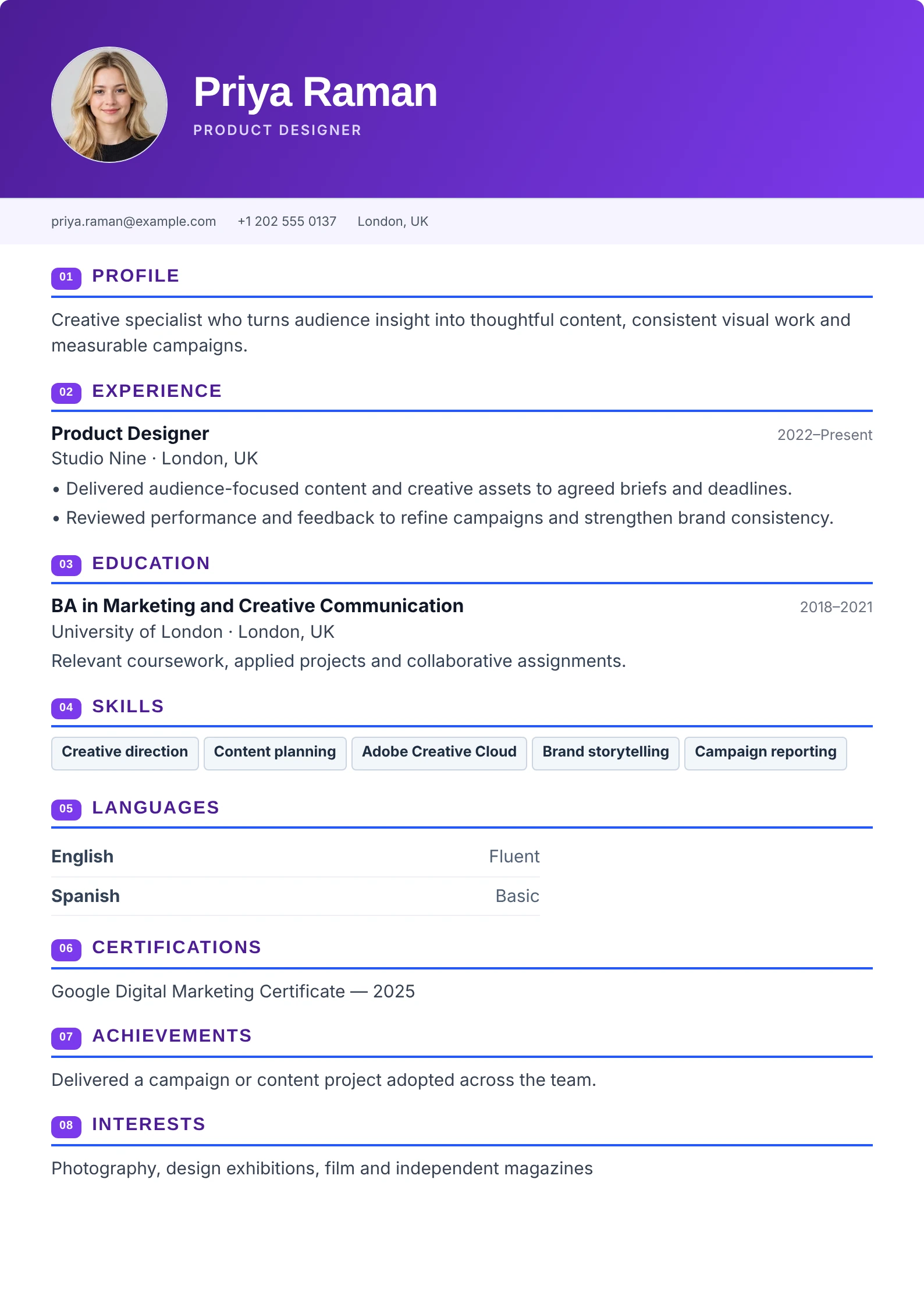
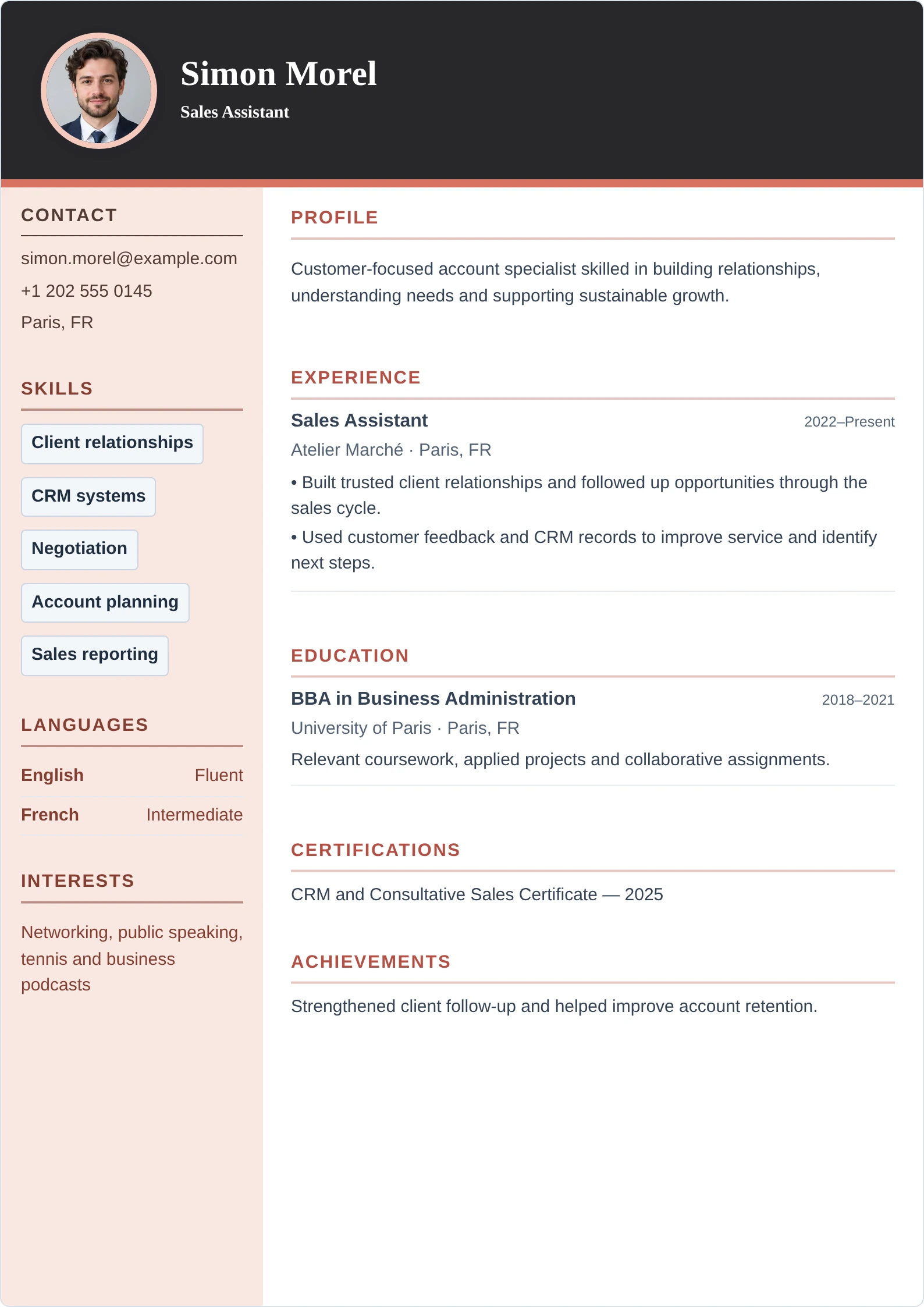
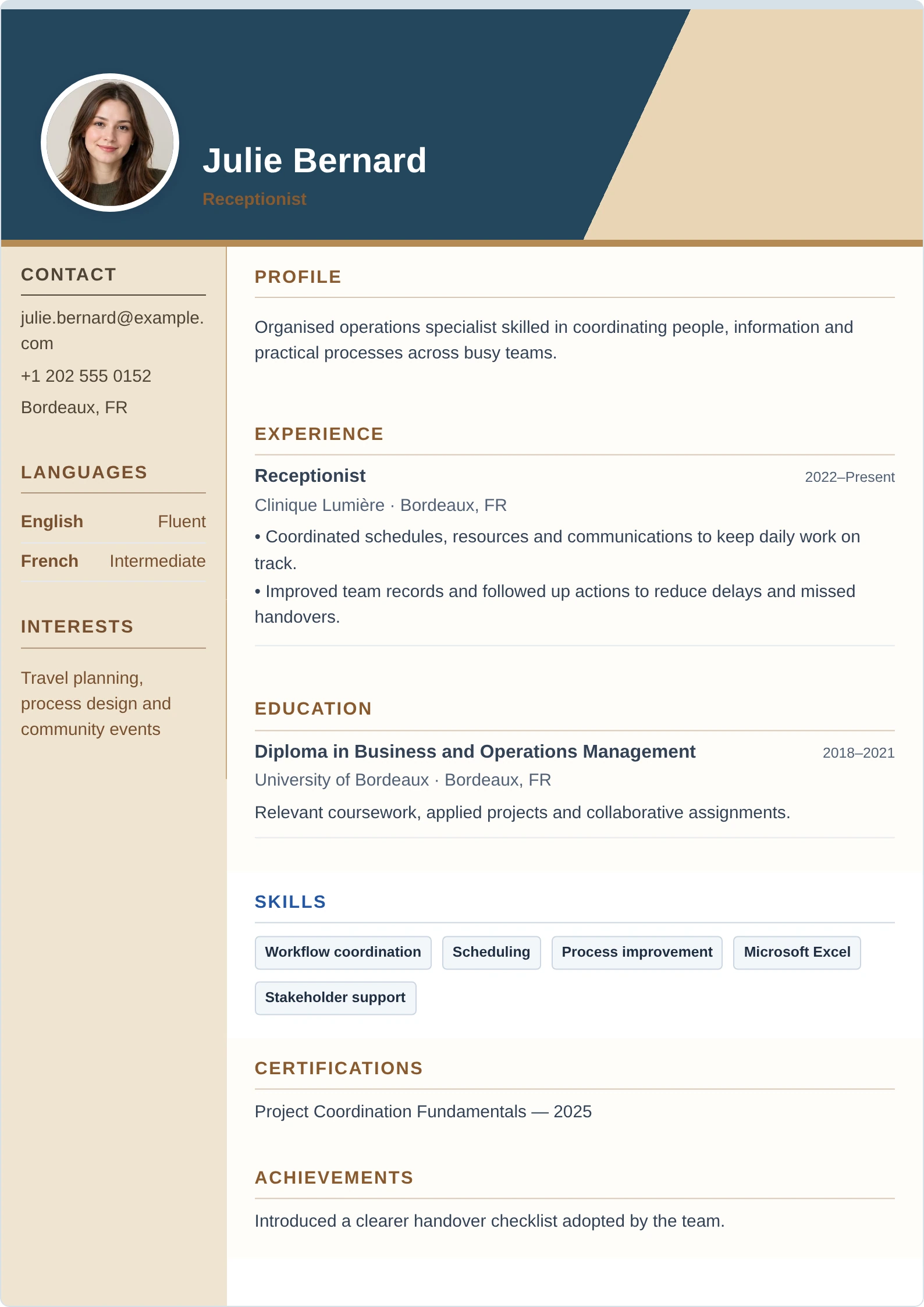
Your content stays in place when you change template, so you can compare designs freely.
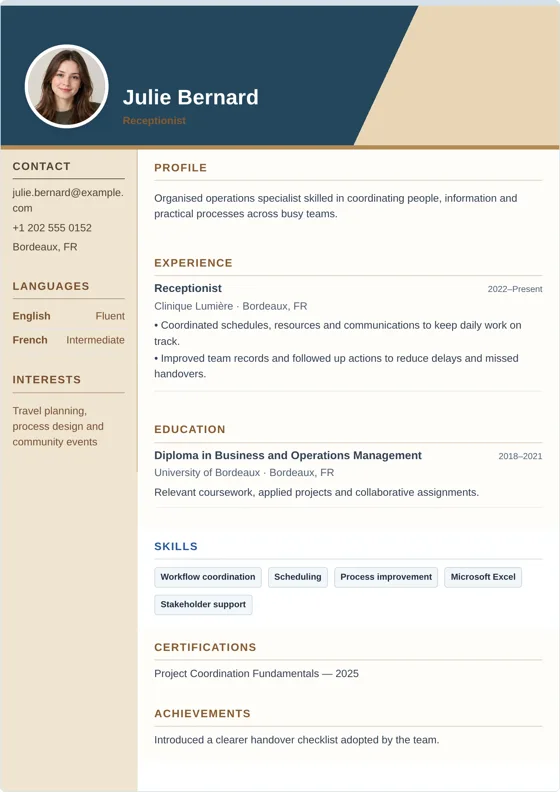
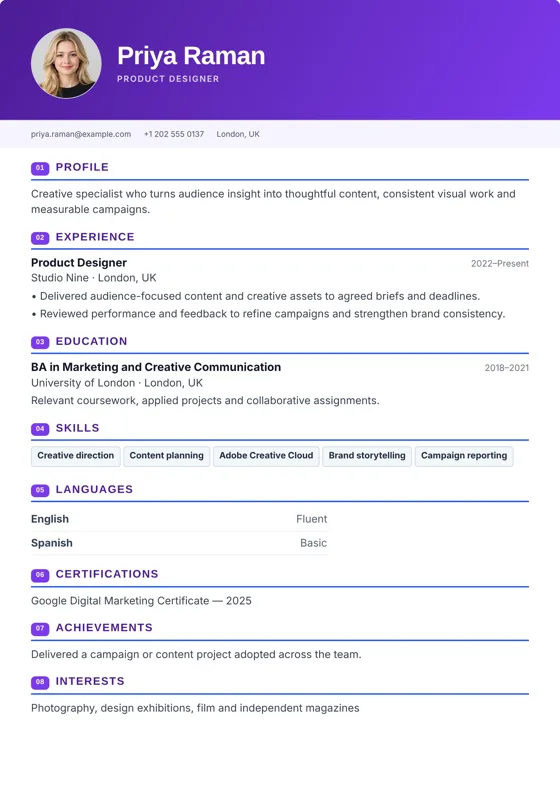
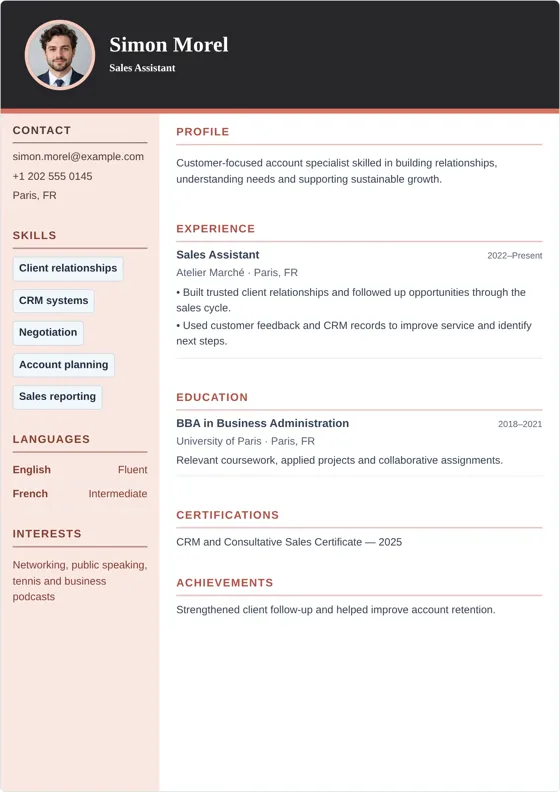
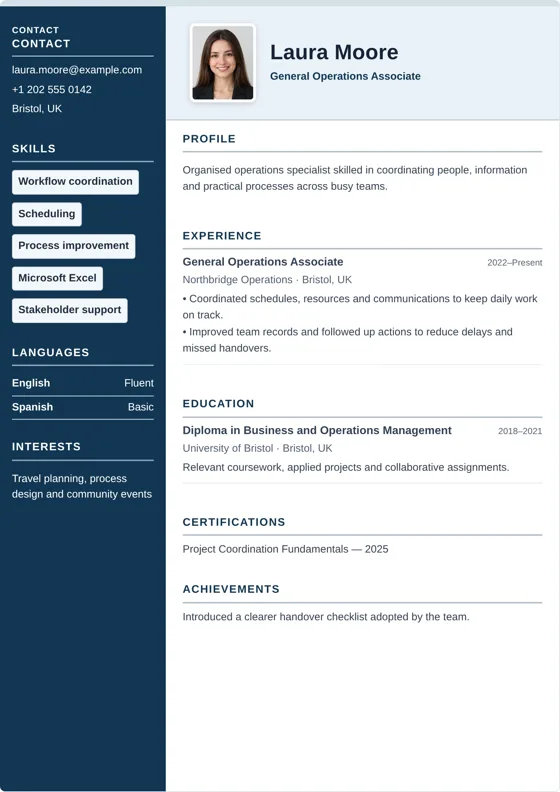
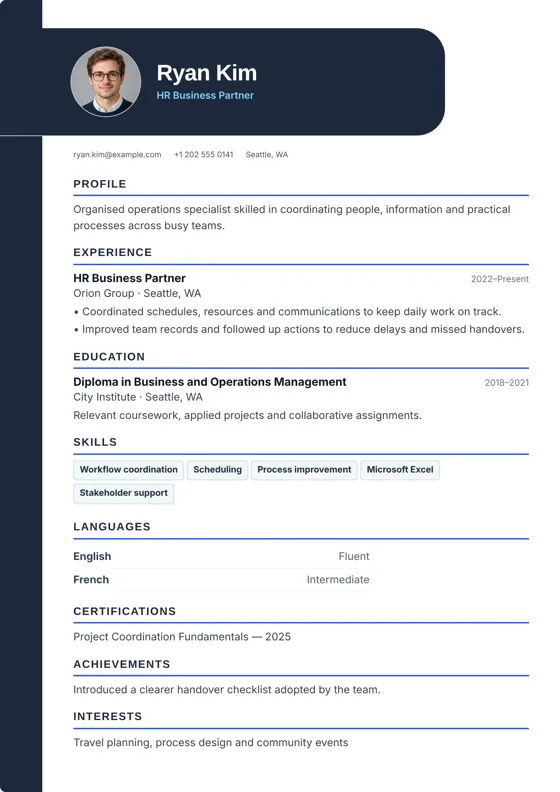
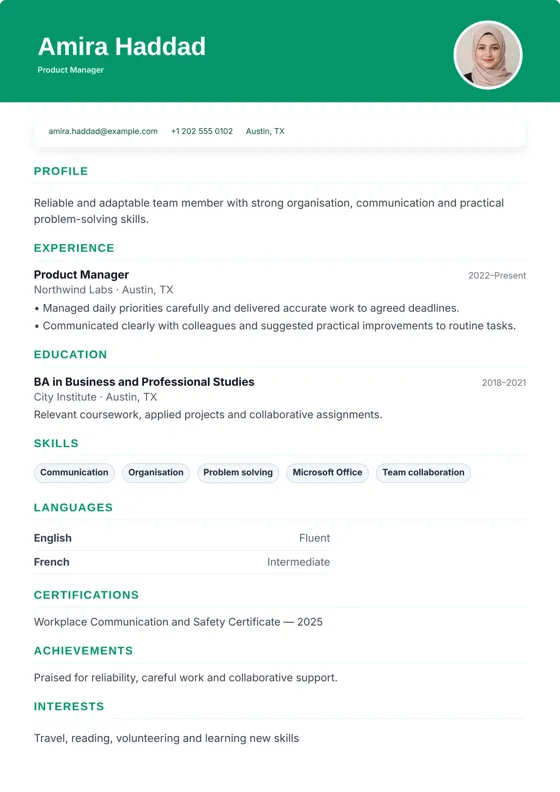
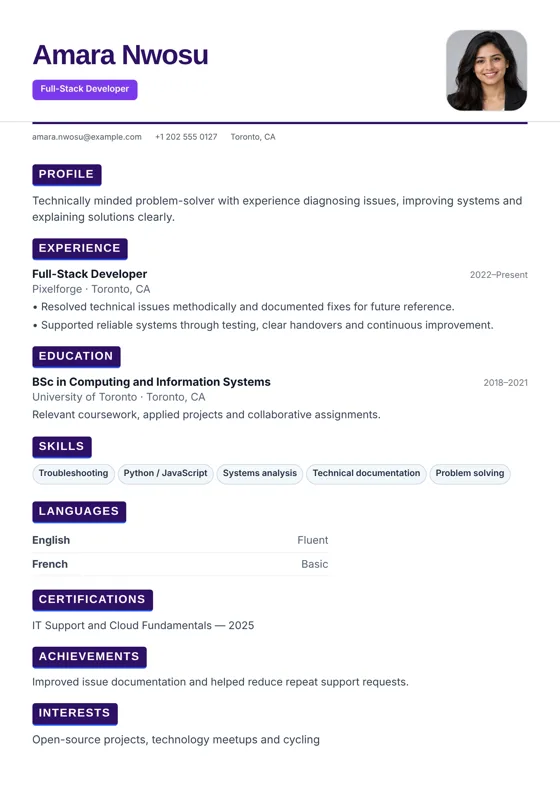
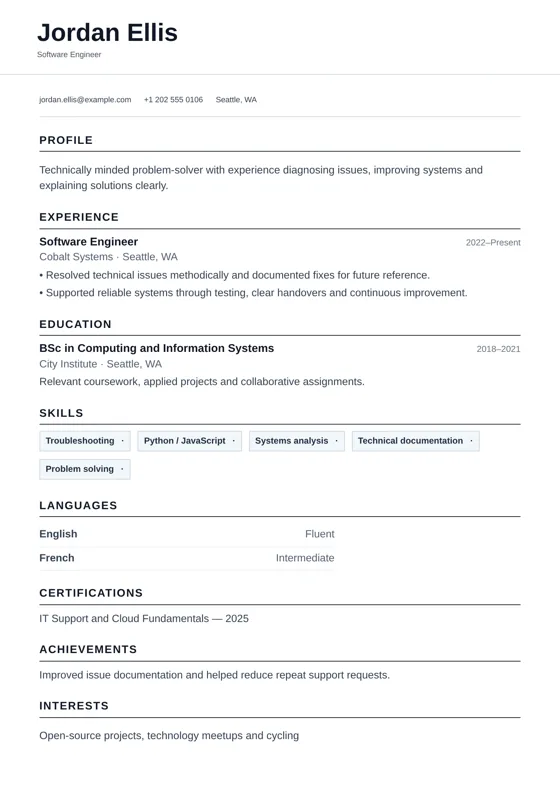
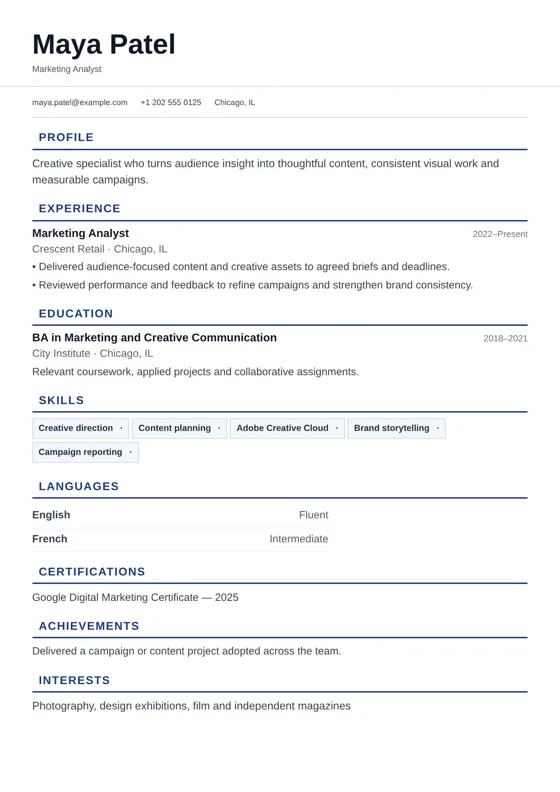
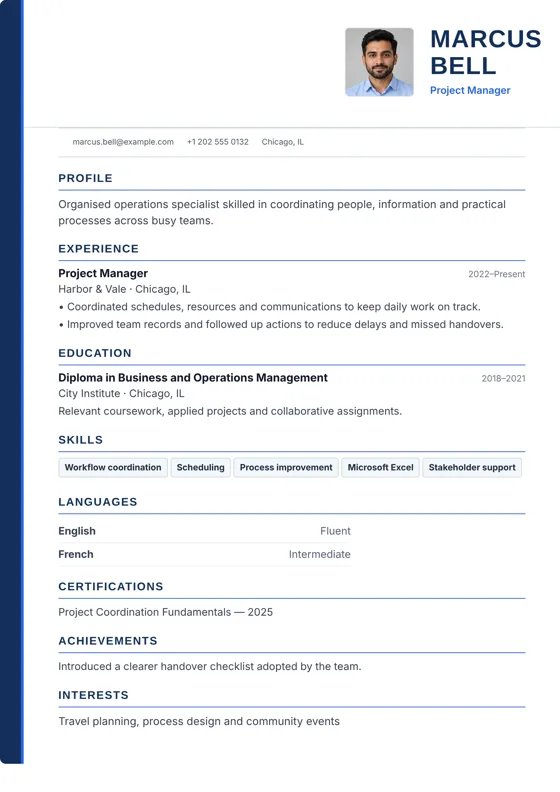
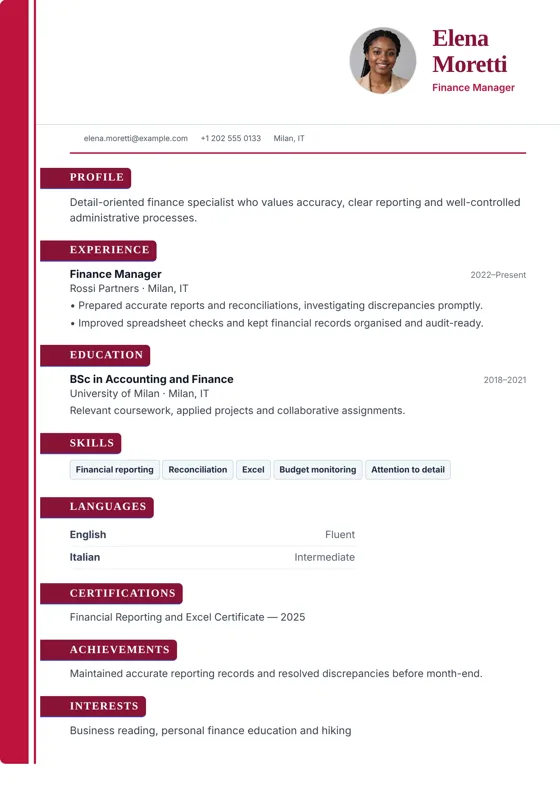
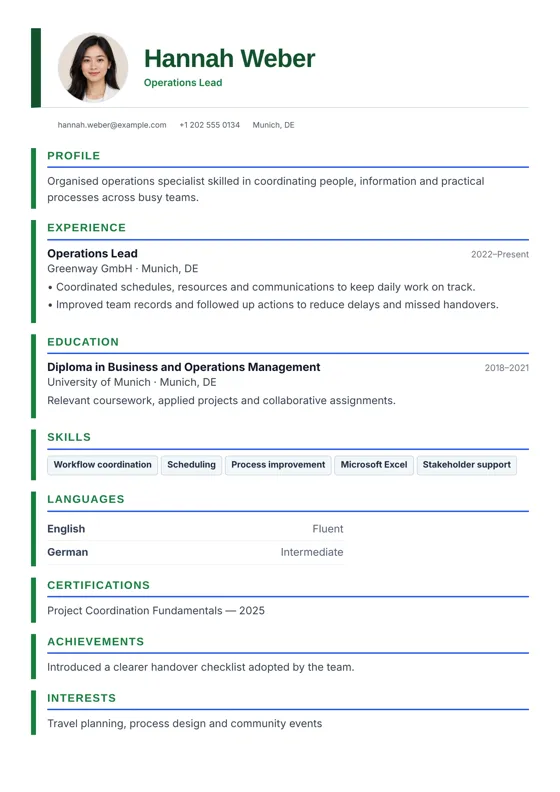
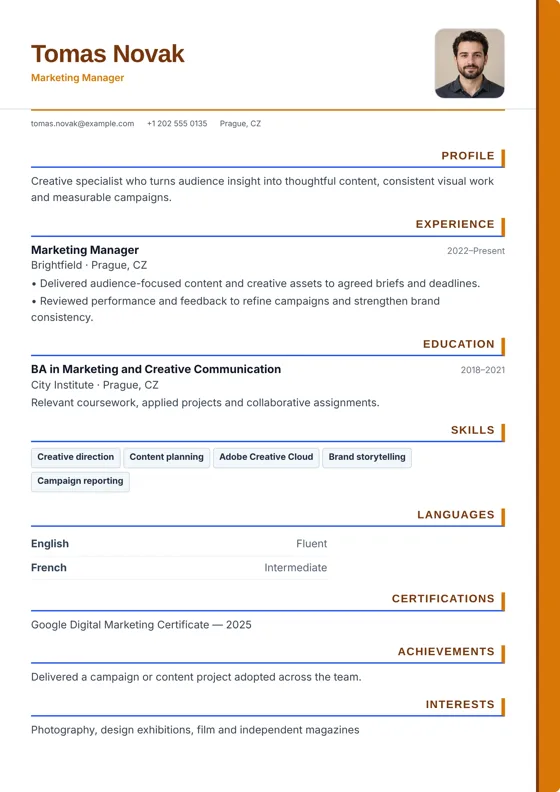
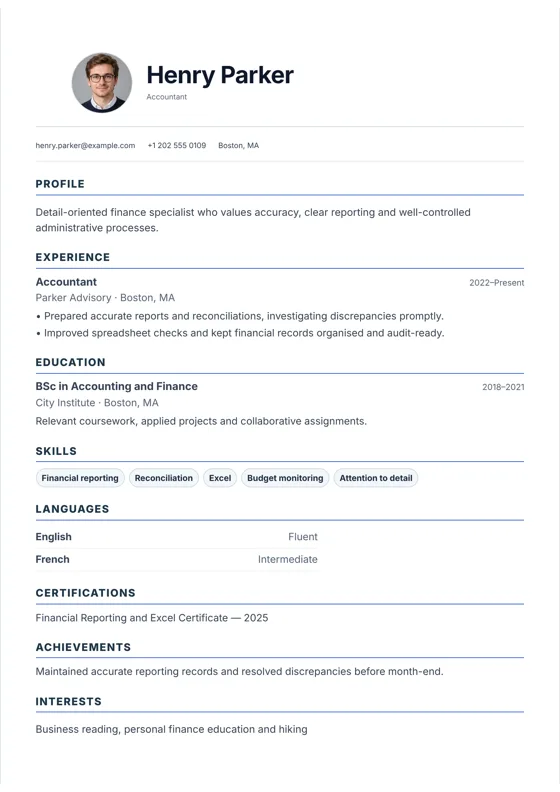
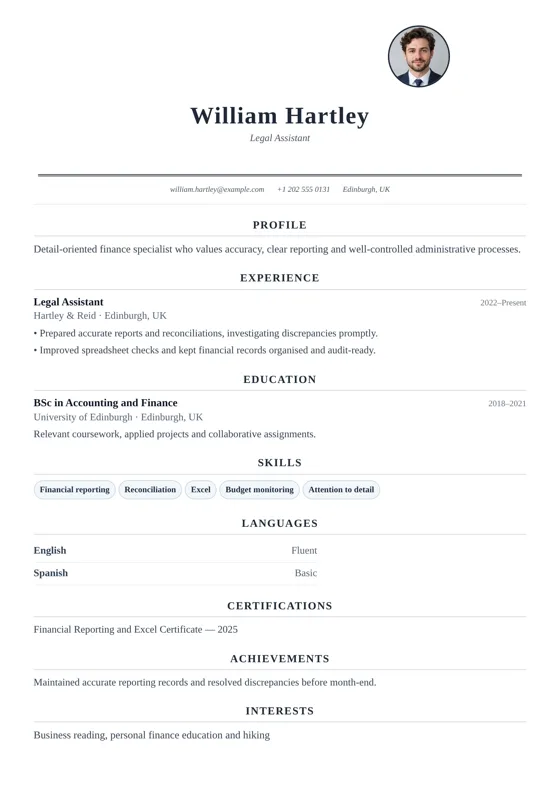
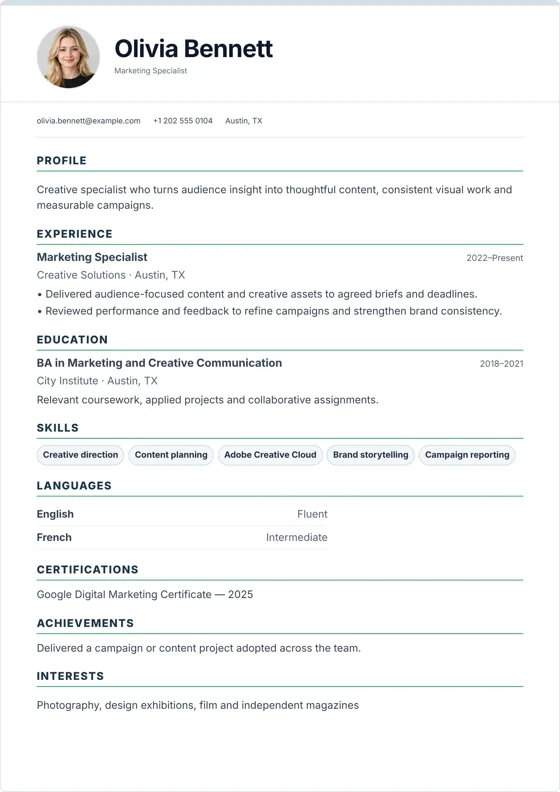
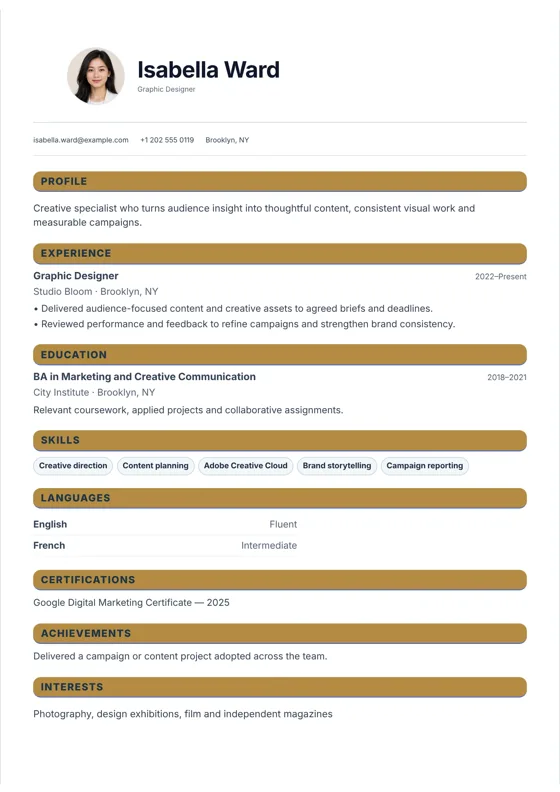
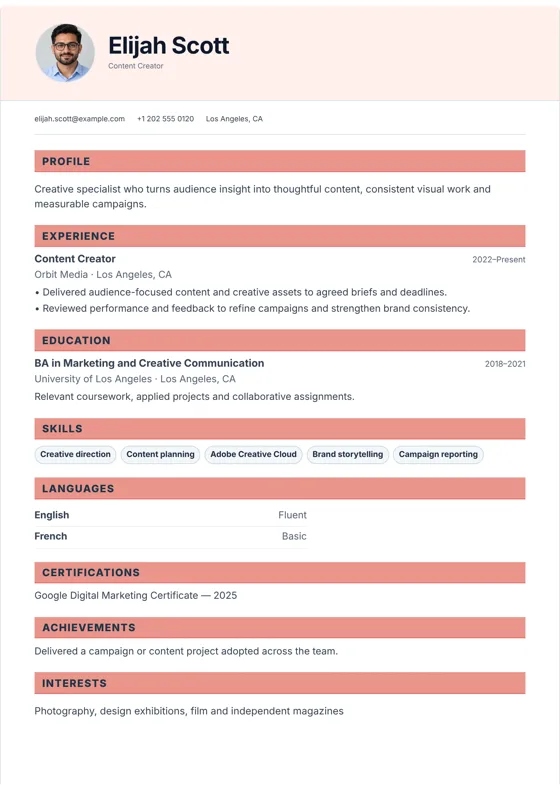
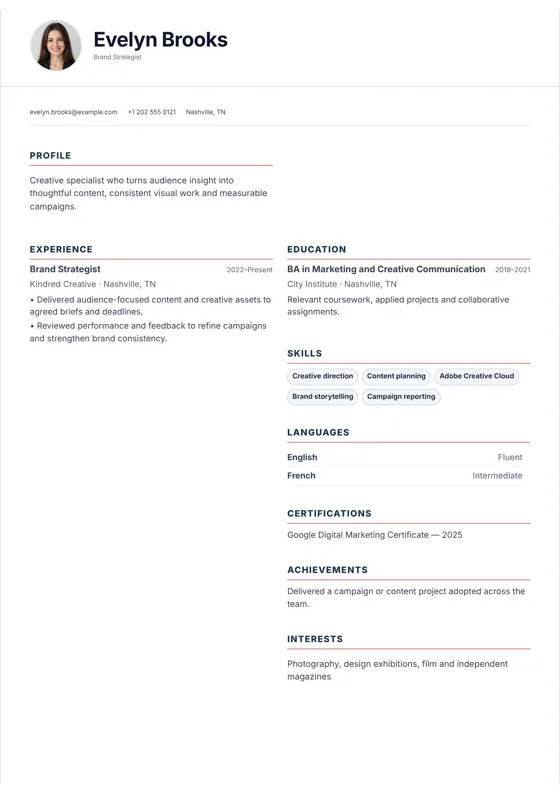
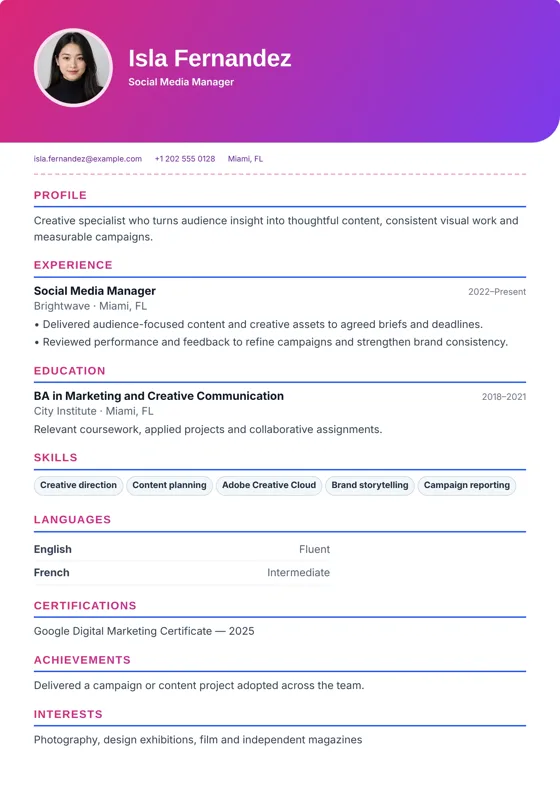
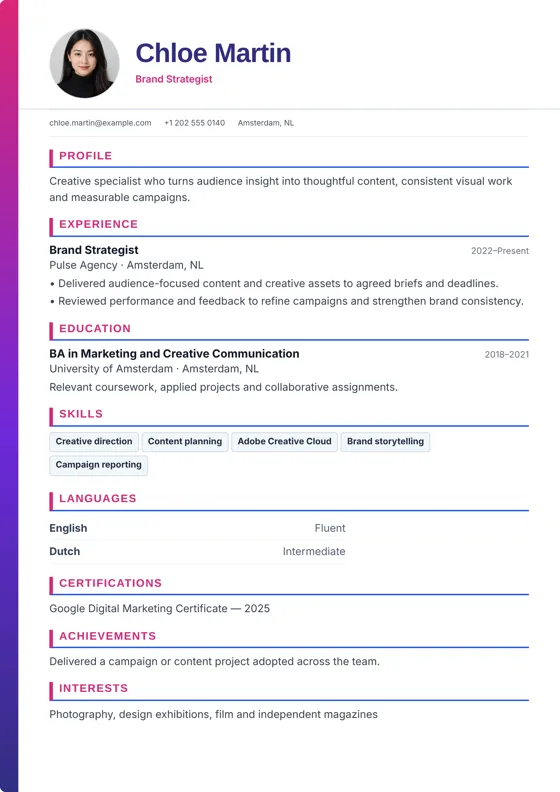
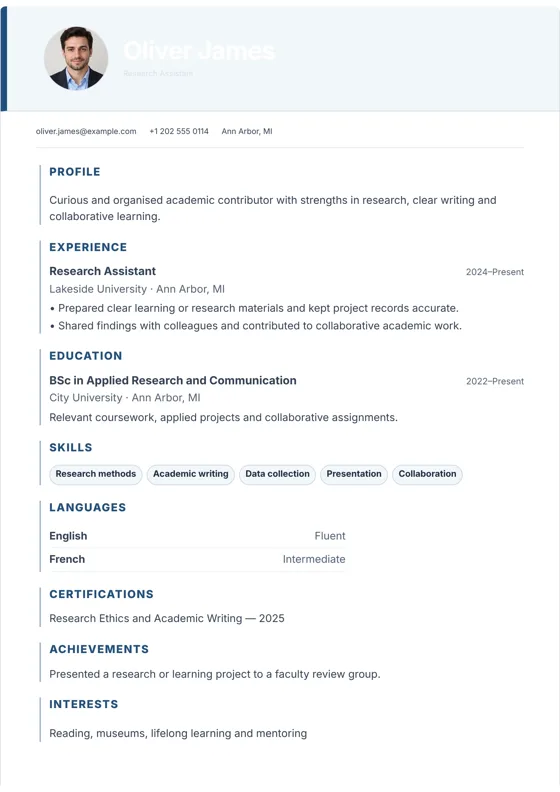
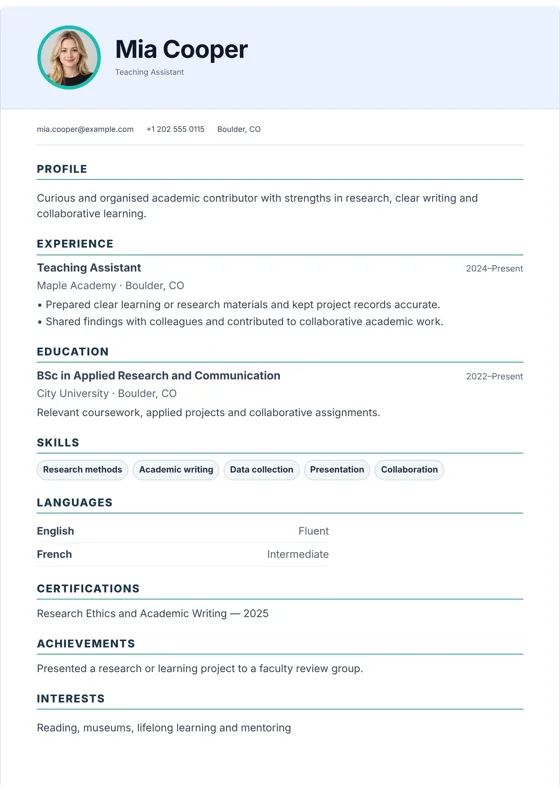
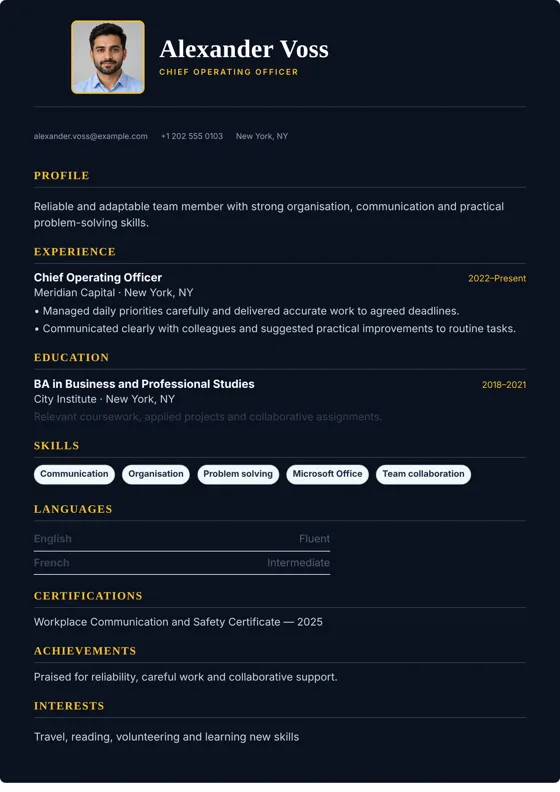
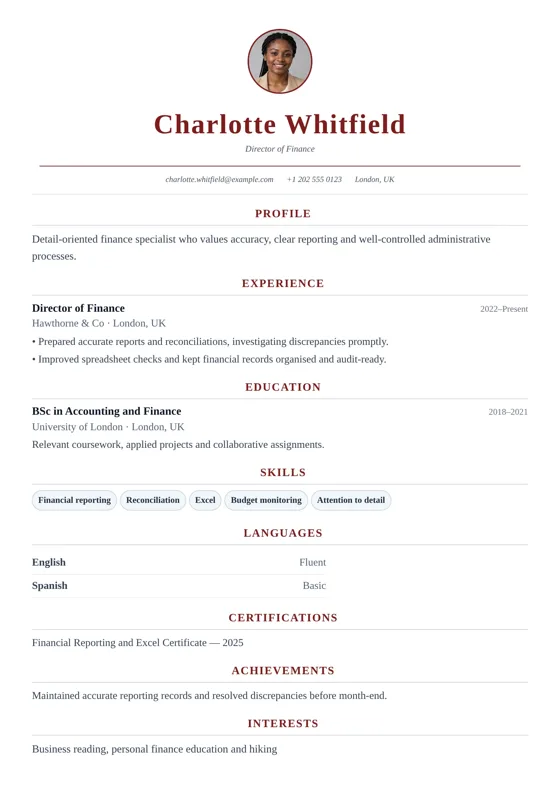
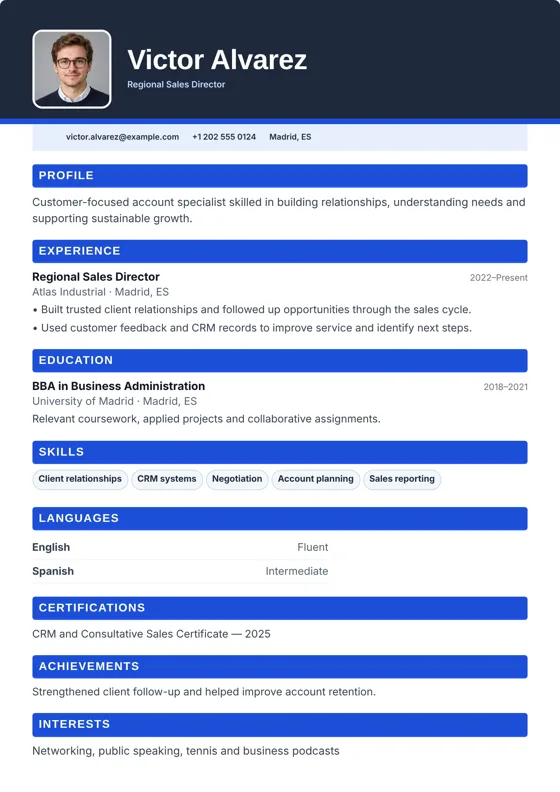
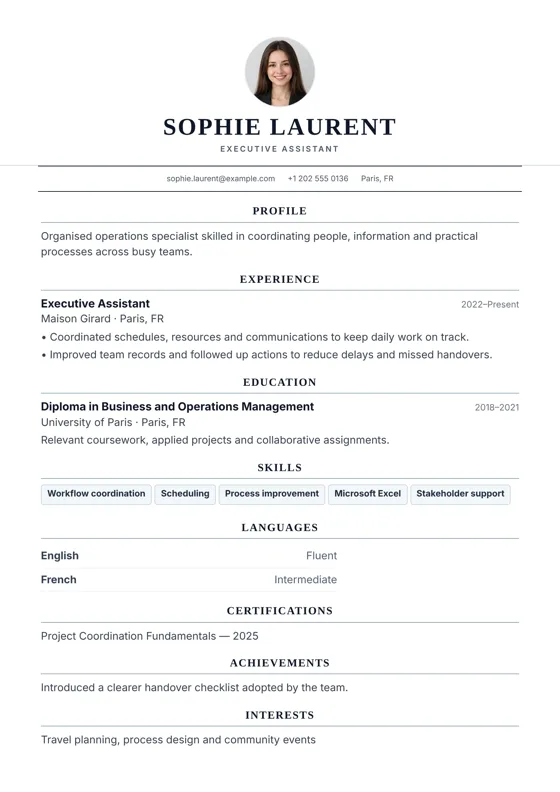
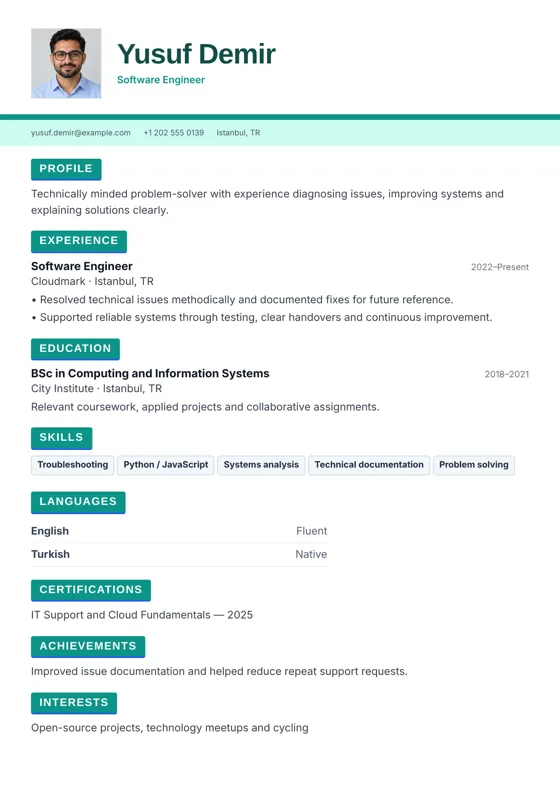
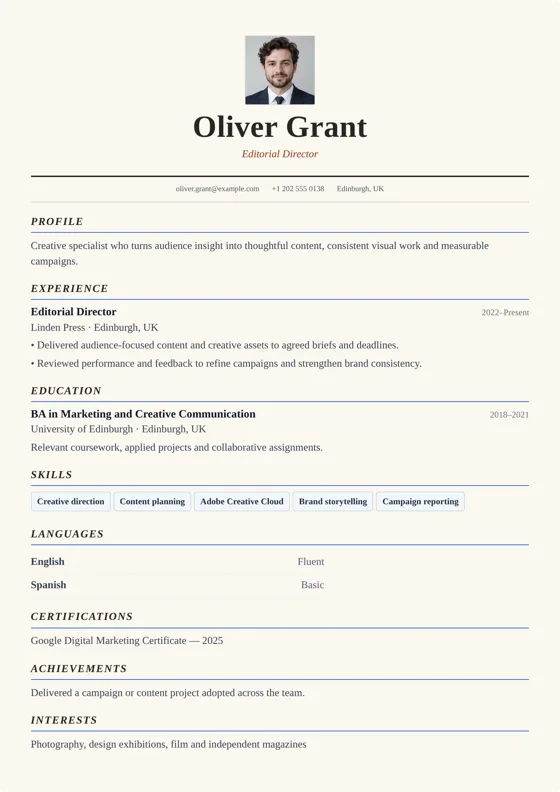
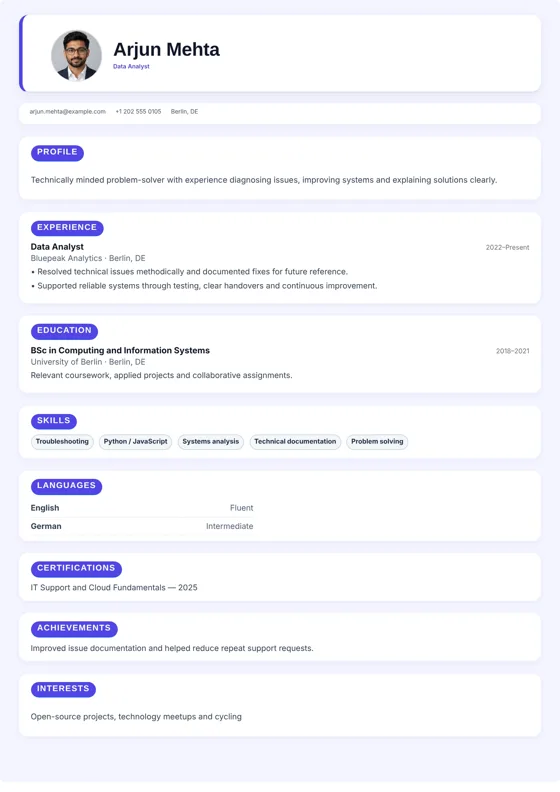
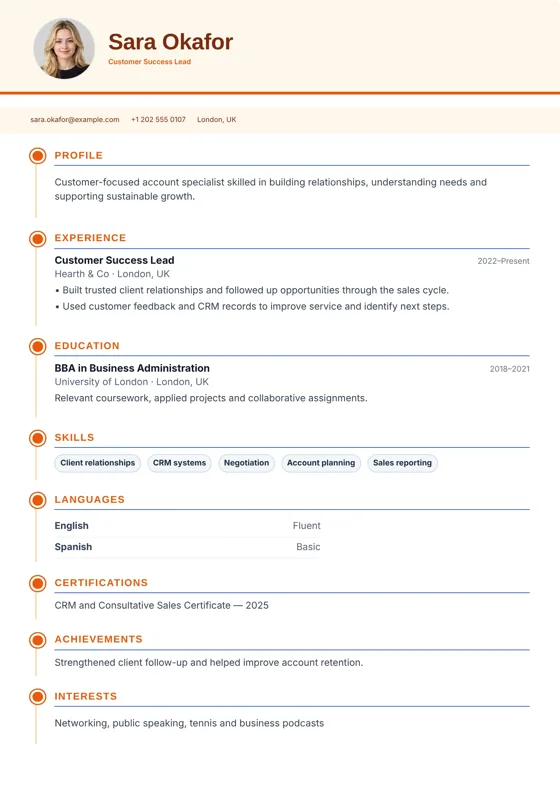
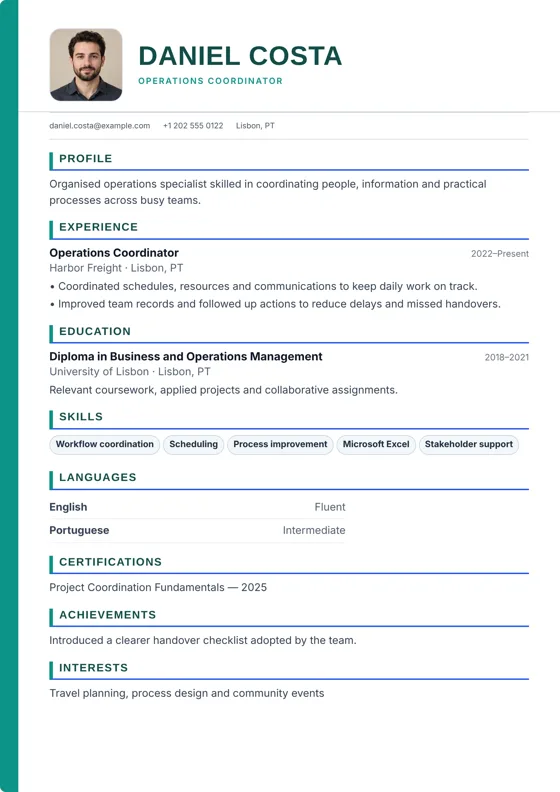
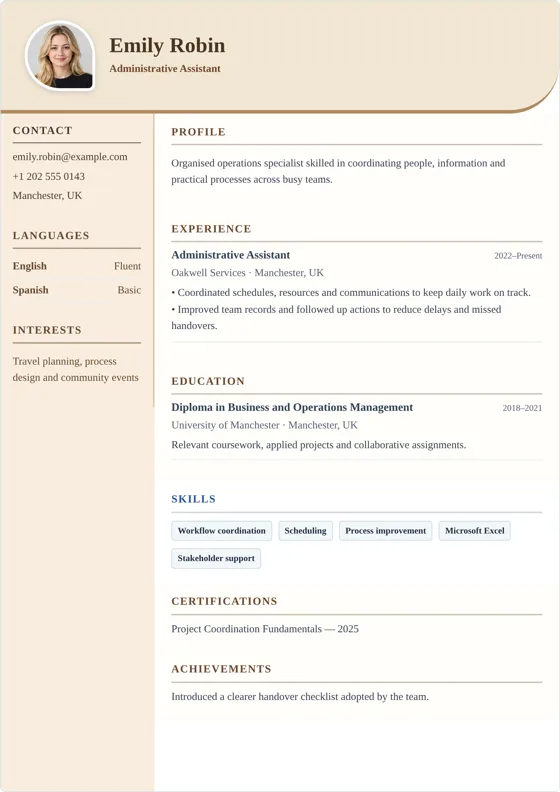
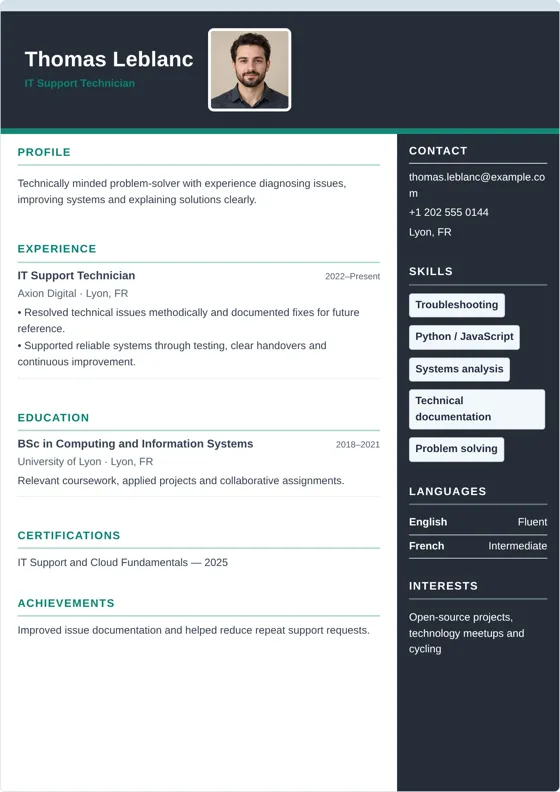
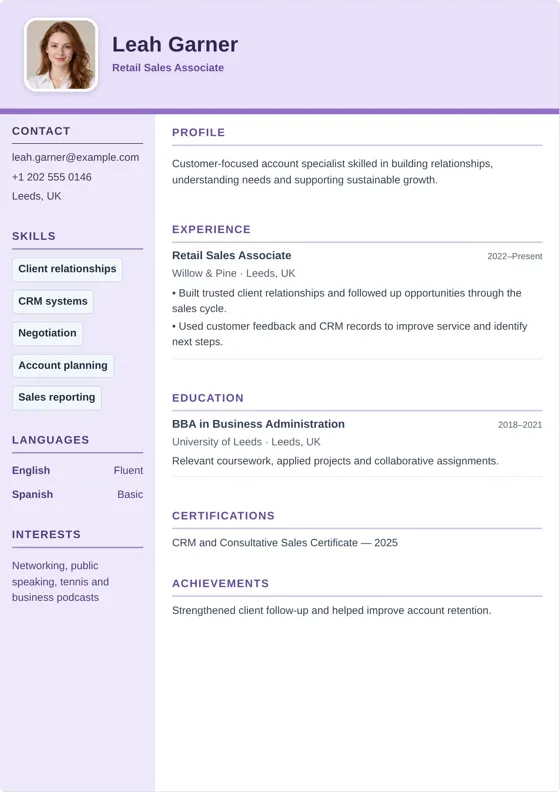
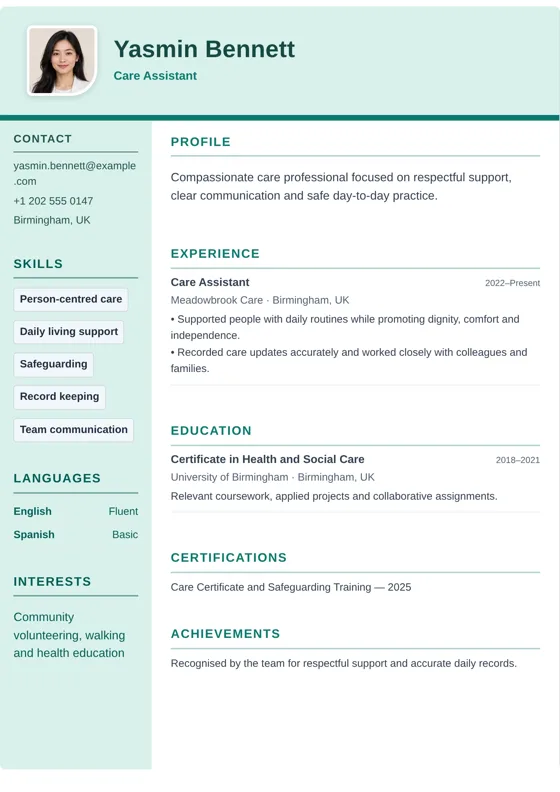
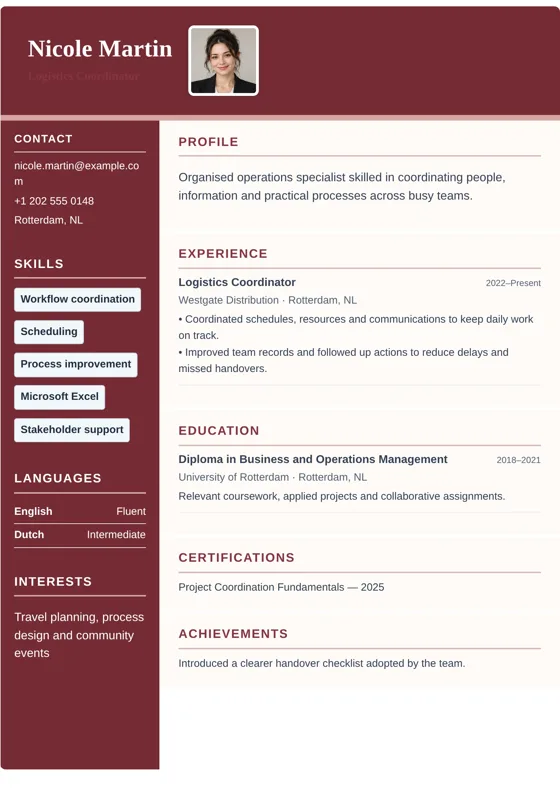
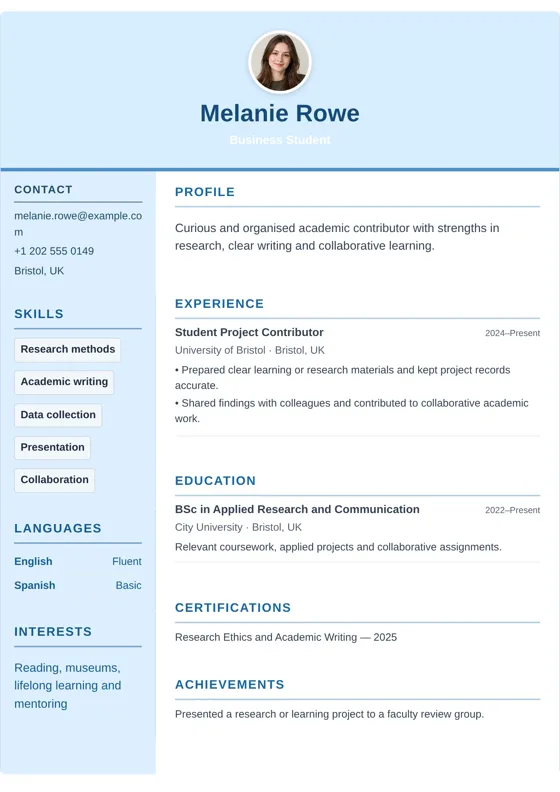
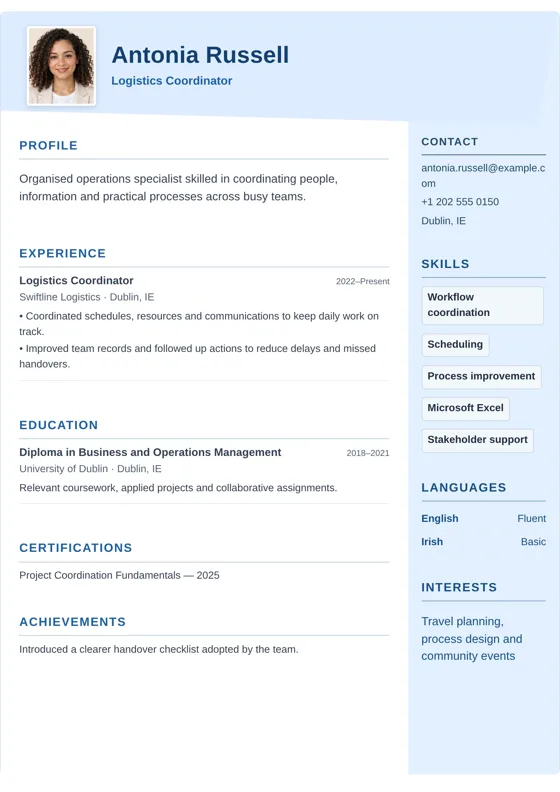
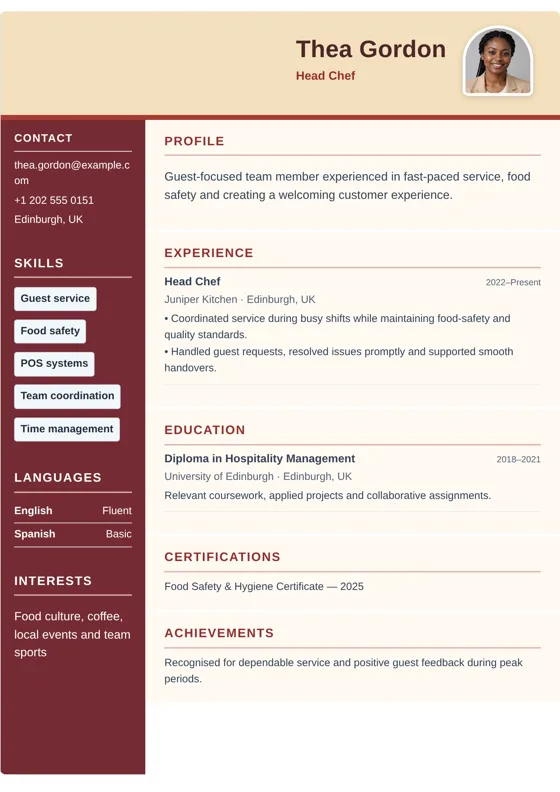
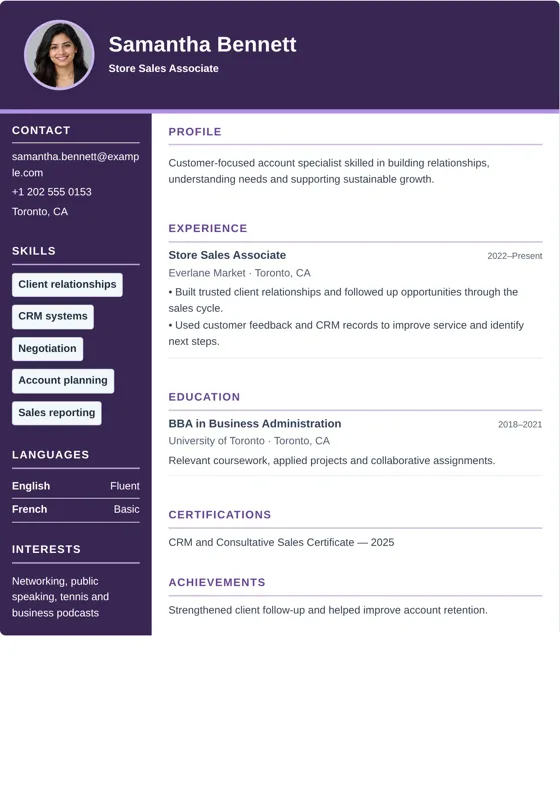
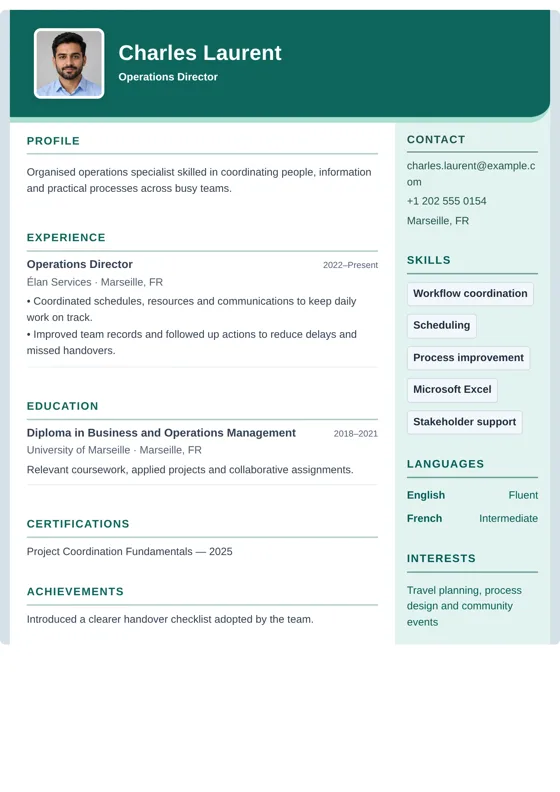
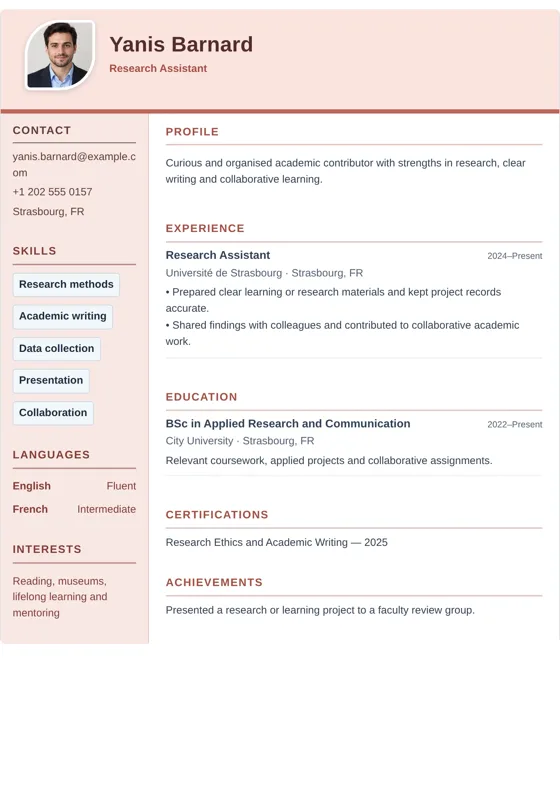
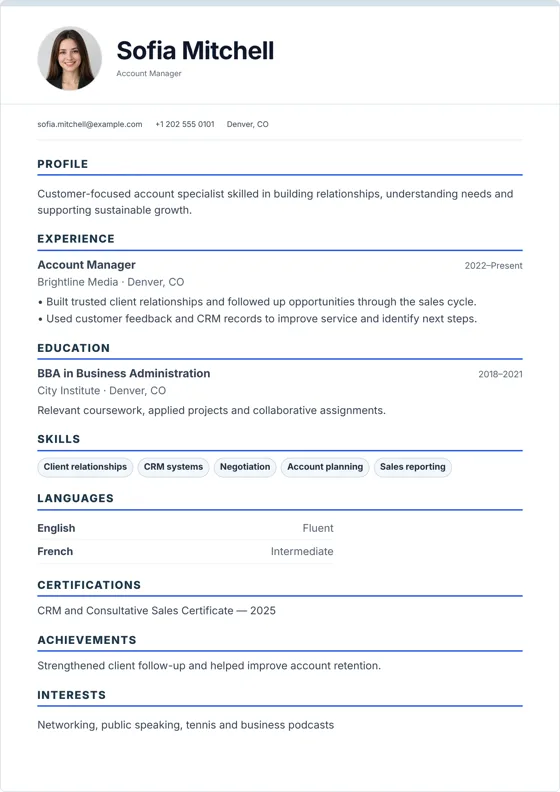
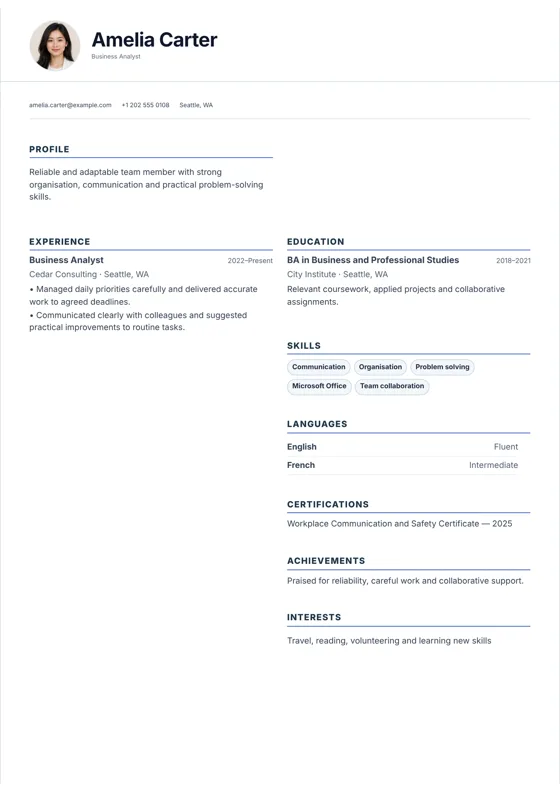
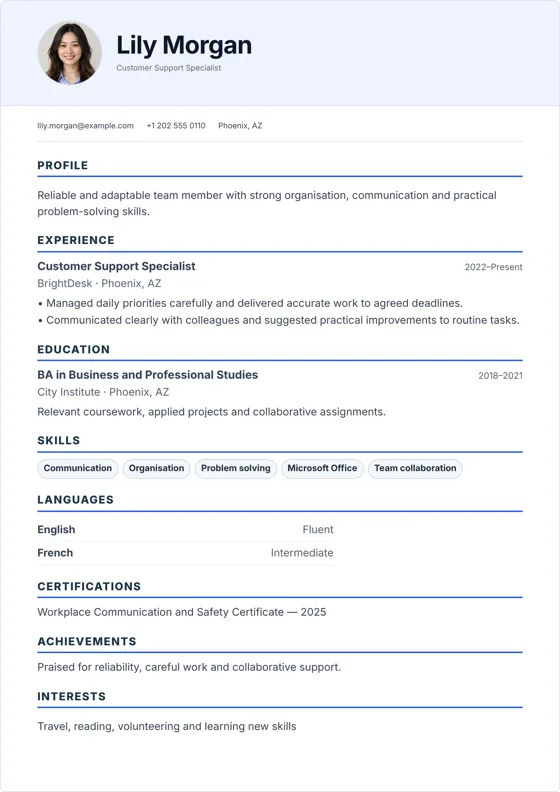
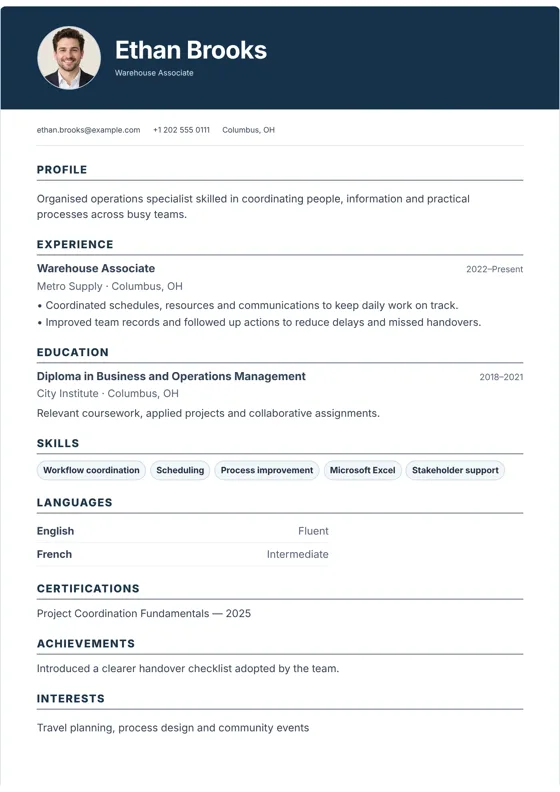
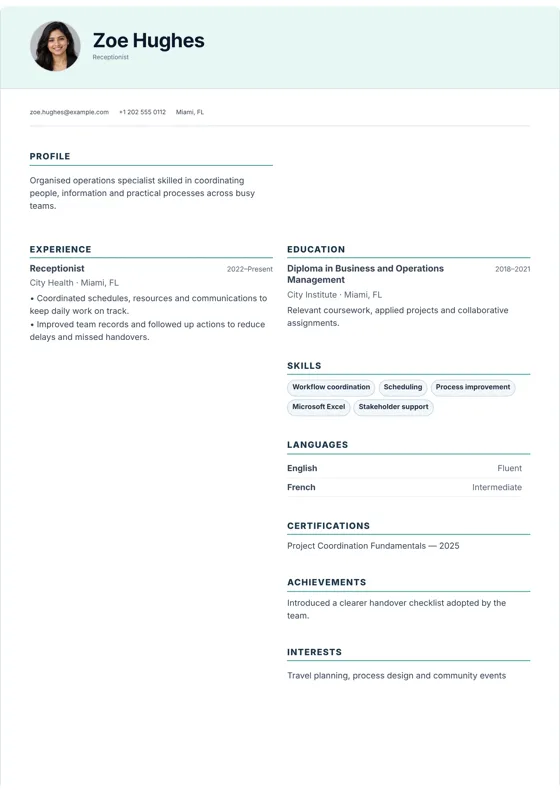
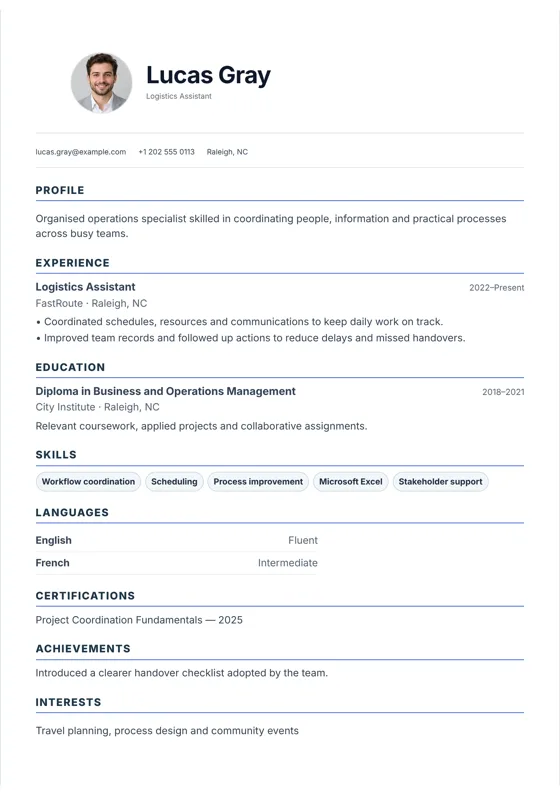
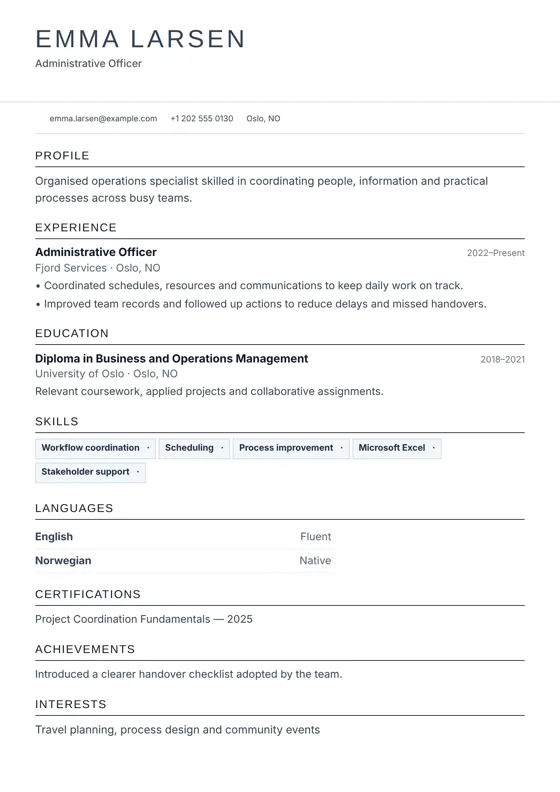
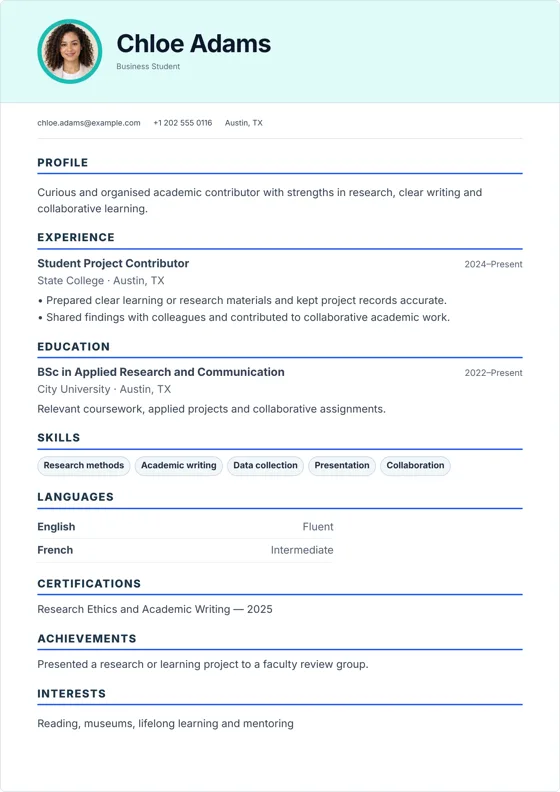
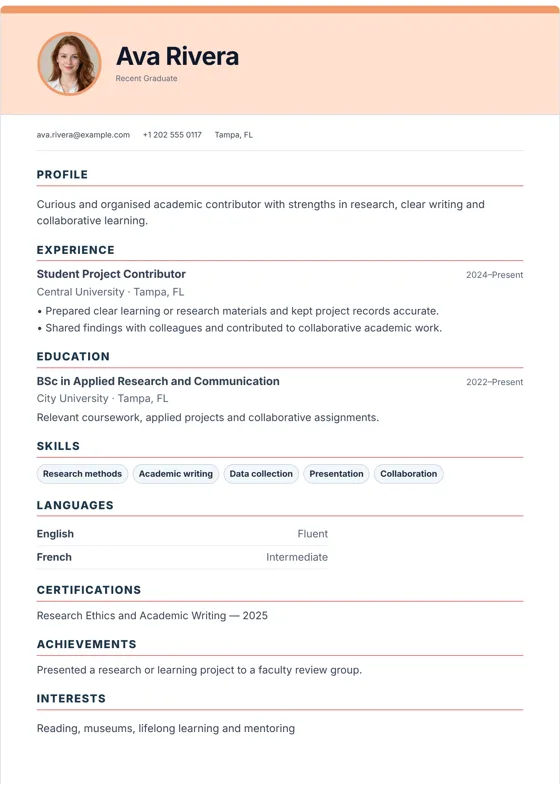
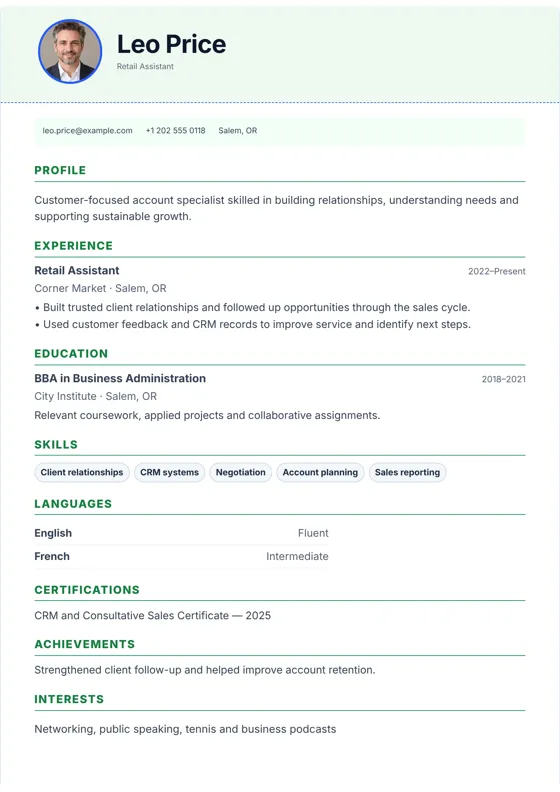
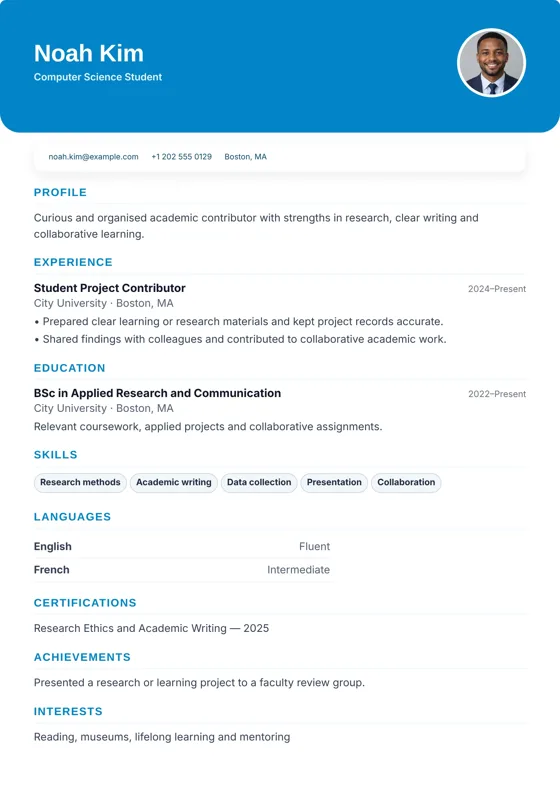
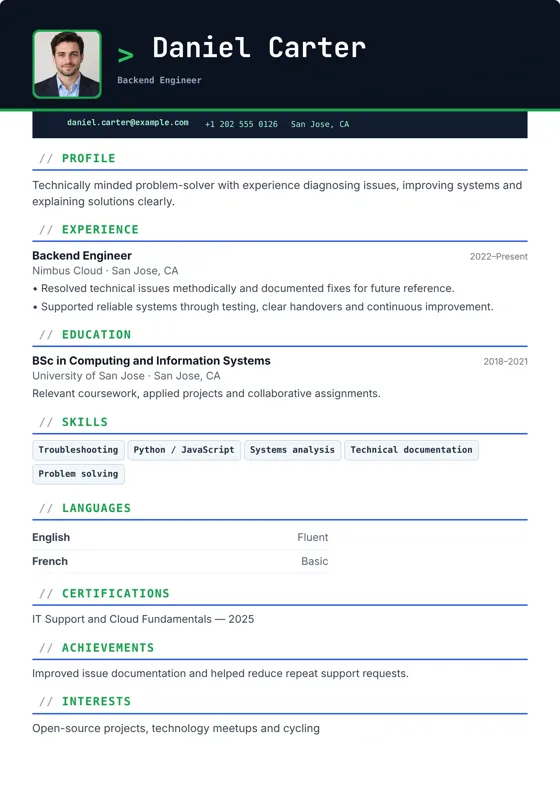
Free CV Studio helps you create a clear CV and matching cover letter without a subscription, account or watermark. Start with a template, add your experience and skills, review the preview, then download your documents.

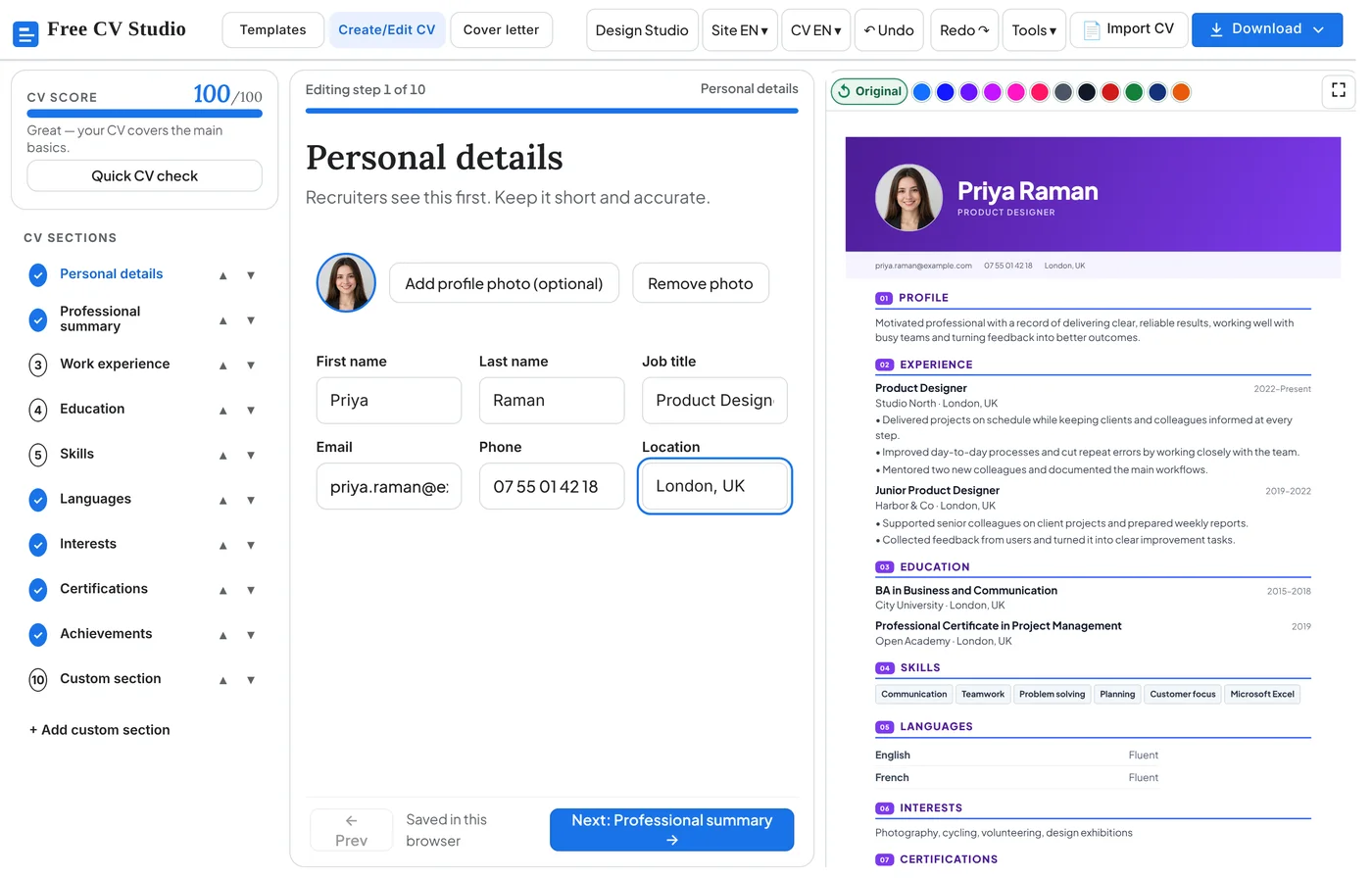
Here is exactly what you will see in the builder. Every picture below is the real Free CV Studio.
Open the builder and choose a design from the gallery. Your choice stays selected.
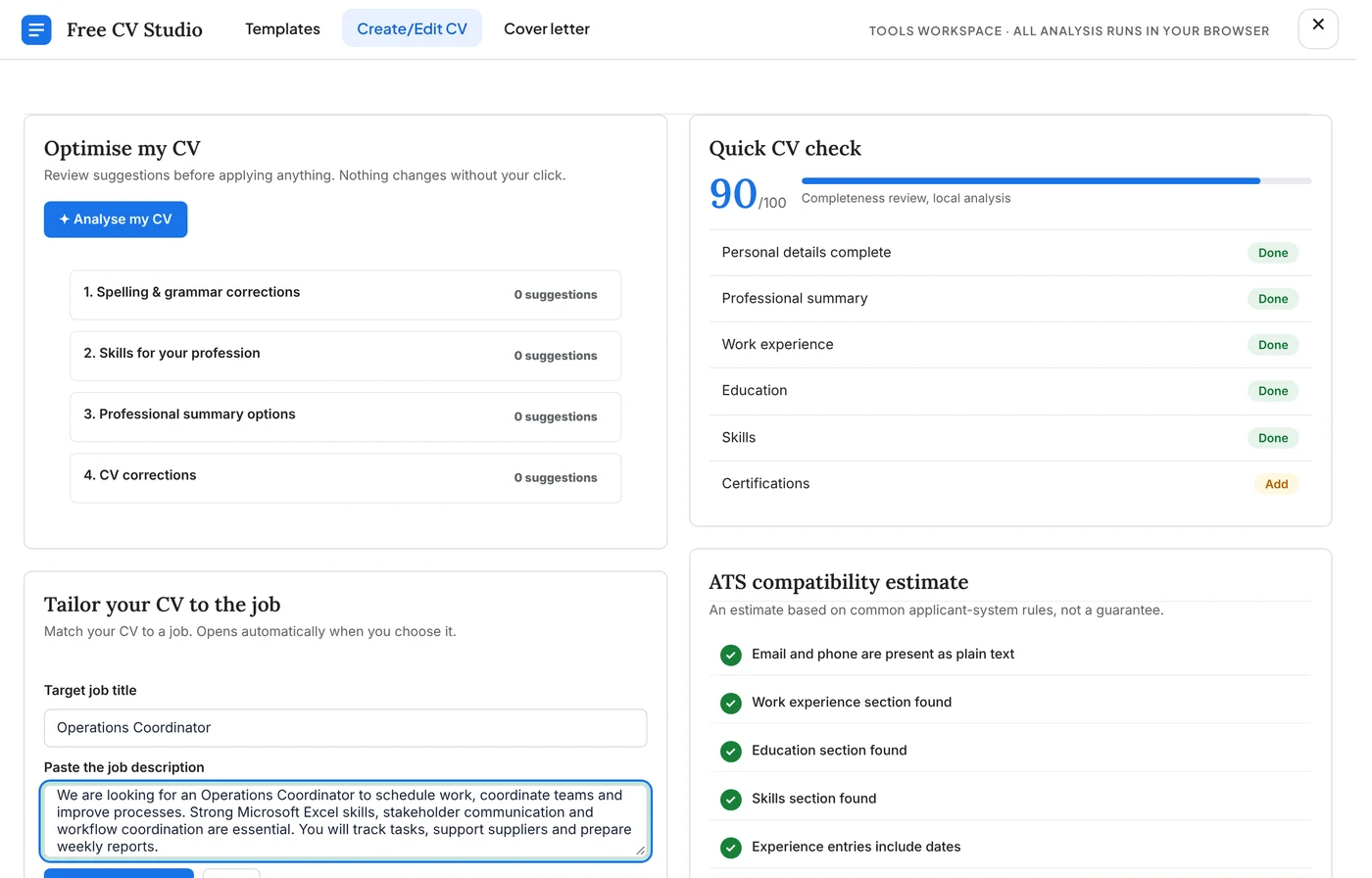
Use the free tools in the top bar to make your CV fit the job.
Click Download and pick PDF, Word, PNG or JPG. No watermark, no account, no payment.
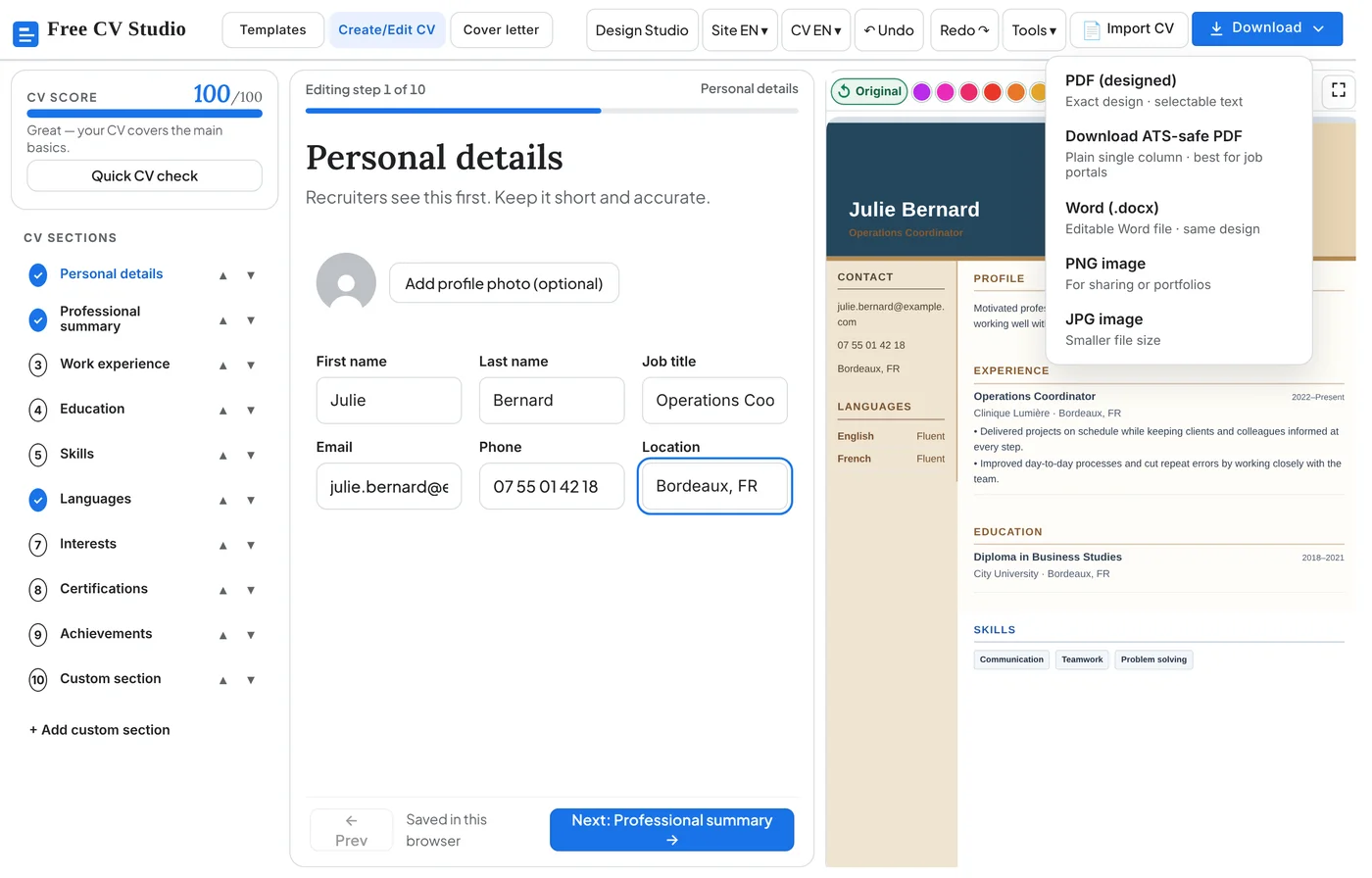


Website language: Français → CV language: English. Choose any mix of five languages, including Arabic.
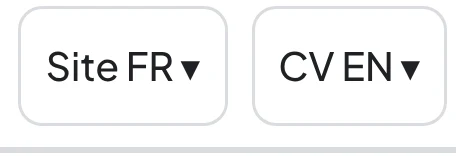
Customise fonts, colours, spacing and layout while the preview stays in front of you.
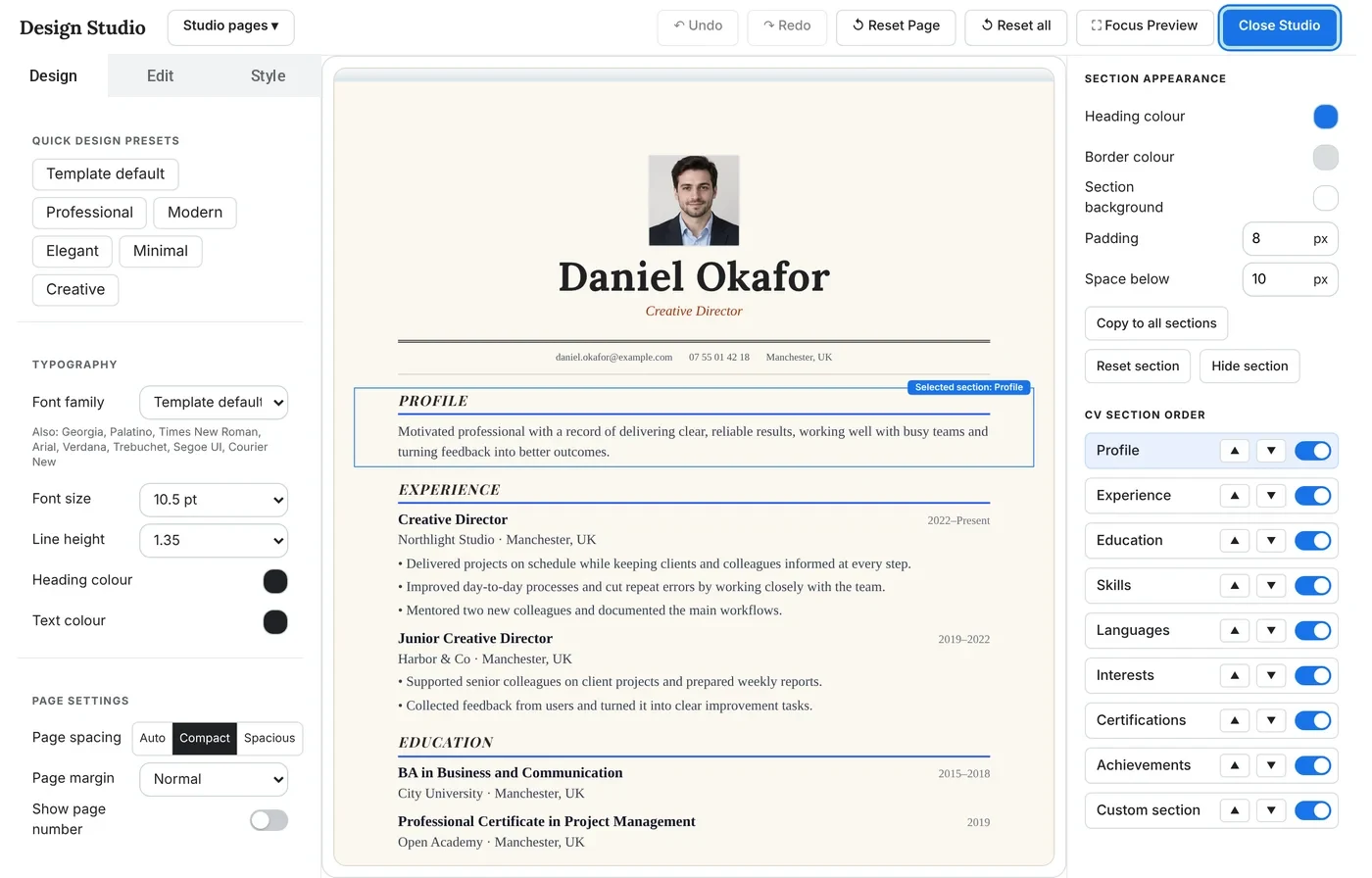
Open Tools in the builder. Everything runs in your browser.
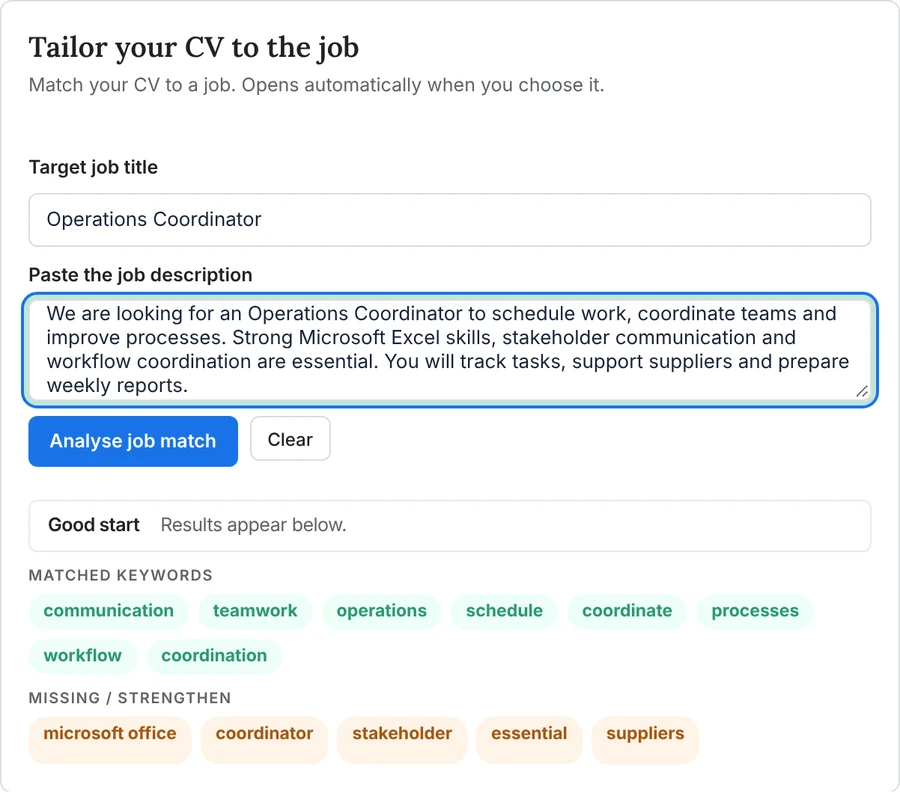
Check, optimise and improve your CV.
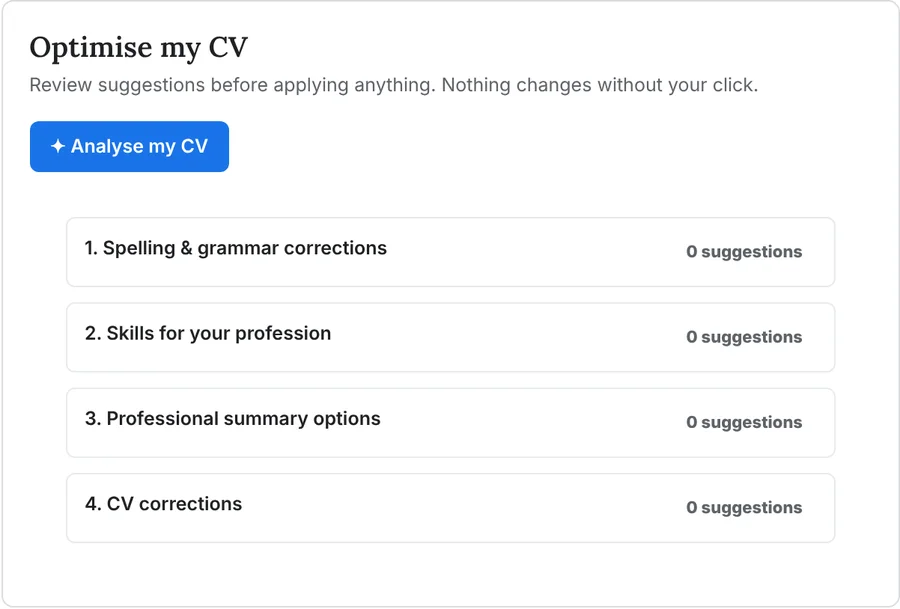
Compare it with a job description and find relevant keywords.
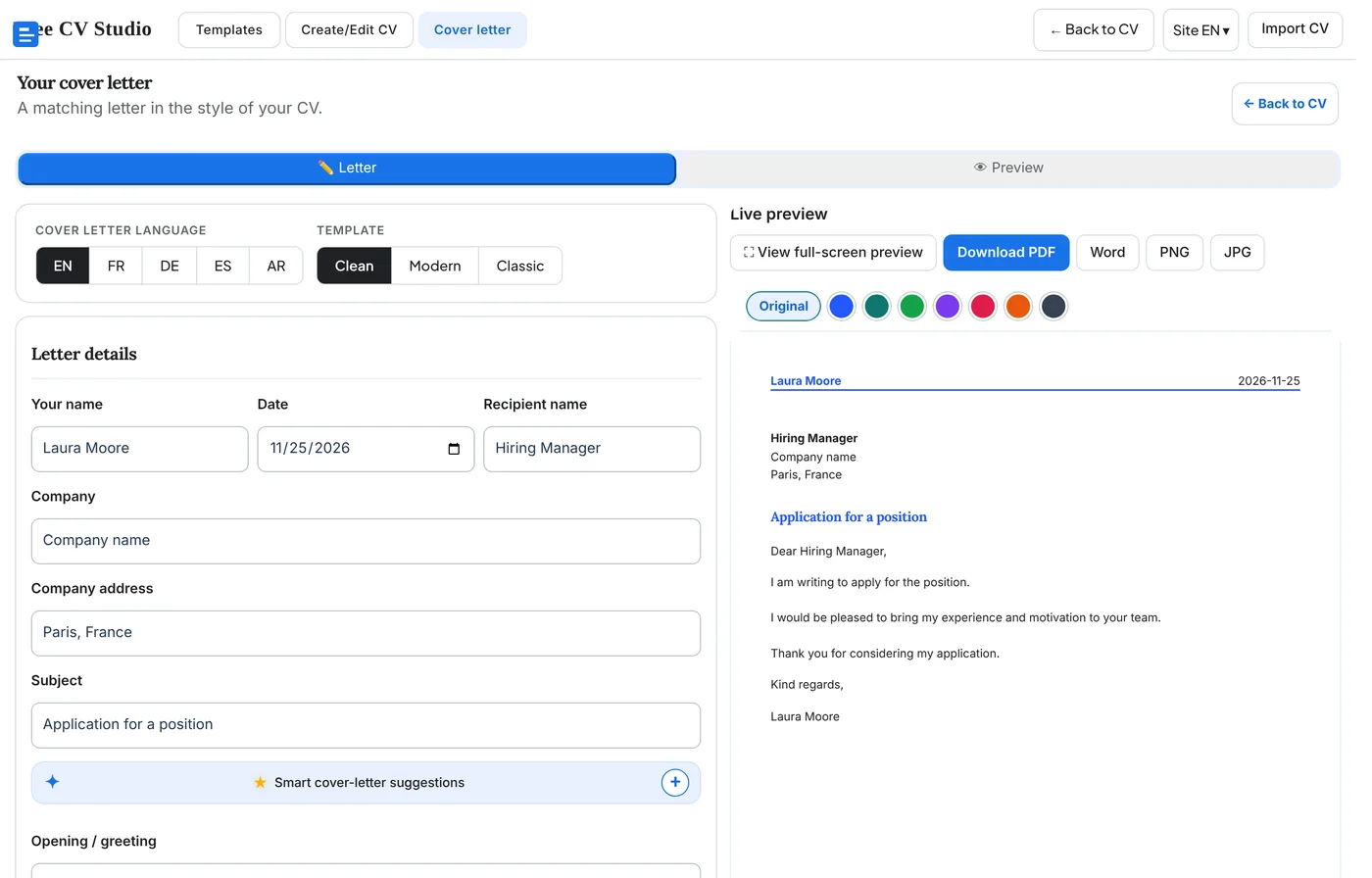
Write a matching letter in Clean, Modern or Classic style.
More tools to help you get hired: ATS-friendly check · Quick CV check · Import an existing CV · Save backup
Create a useful application without reaching a payment wall at the end. The essential CV and cover-letter tools stay accessible, with optional guidance to help you improve.
Applying for a job in France?
In this browser, on this device. Nothing is uploaded.
Tools → Save backup. Restore it any time.
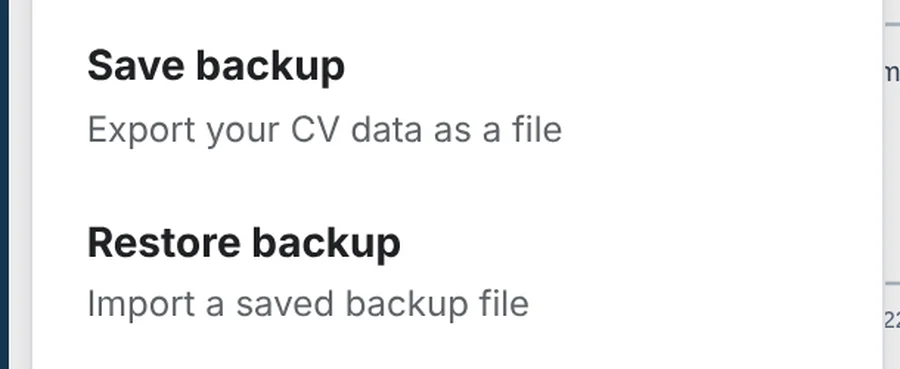
Restore your backup or use Import CV.

Yes. The CV and cover-letter builder and exports are free with no watermark.
Your working CV is saved locally in this browser. It is not uploaded to a Free CV Studio server.
Yes. Arabic supports right-to-left CV and cover-letter layouts.
PDF, Microsoft Word (.docx), PNG and JPG are available for CVs and cover letters. The cover-letter Word file contains editable text; CV Word (.docx) exports are editable text that follows your template, and CV PDF exports keep your exact design and add a selectable text layer. PNG and JPG are image files.
No. You can build and download your CV without signing up.
Several templates use a simple single-column layout with standard headings. The designed CV PDF keeps your visual layout with a selectable text layer, and the Word download is editable text, but multi-column or graphic designs can still be read out of order by some ATS software. For an ATS submission, use the plain “ATS-safe PDF” option, which is a single-column text document. The ATS-safe PDF supports Latin-script languages and Arabic (right-to-left); other scripts fall back to the designed PDF. No template can guarantee a result in every system.
Yes. Your content stays in place when you change template, so you can compare designs freely.
The website and your CV can each be set to English, French, German, Spanish or Arabic, so you can use one language for the site and another for the CV.
Yes. The builder has a cover-letter section that matches your CV style. Download it as editable Word (.docx), PDF, PNG or JPG; the PDF and image formats preserve the page as an image.
Build your CV and cover letter in minutes. Free, with no watermark and no account.